ChatGPT로 쉽게 코드 에러 이해하기
Rae Noh
2023.02.07
To debug with ChatGPT and Stacker (an extension of vscode)
- Creator : Rae Noh
Stacker mainly uses ChatGPT for responses. Also rely on webscraping to extract information from stackoverflow and github issue and return those answers if deemed necessary.
Step1. Execute vscode → extensions → install stacker
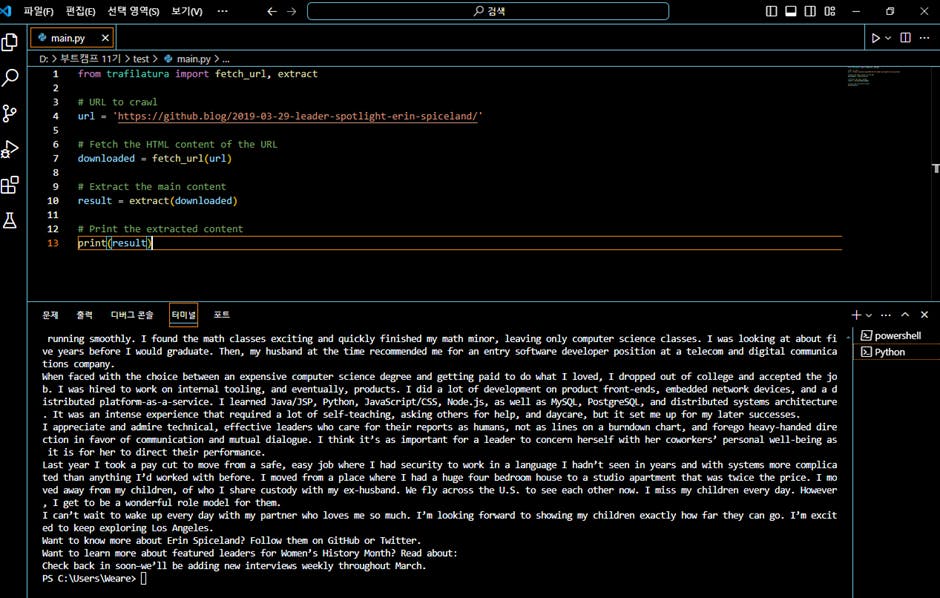
 Step2. Write a code in vscode. Then, 1) execute the code. If an error occurs, 2) copy the error msg → 3) click ‘stacker’ menu at the bottom of vscode window. → 4) paste the error msg → 5) ‘stacker will show you the detailed error msg’.


필요한 AI 정보만
메일함에 쏙쏙 넣어드려요.
지금 핫한 AI 소식부터 직접 해 본 사례까지, 월요일마다 무료로 받아보세요