


소개
4차시 스터디 시간에 스터디장님 교수로 flow 장면 빌드 기능으로 연속된 영상 제직을 하게 되었다. 미드저니 등에서 보았던 아름다운 라이트 드로잉의 궁금증을 해소할 수 있었다.
아래 내용을 참고하면 좋을 것 같다.
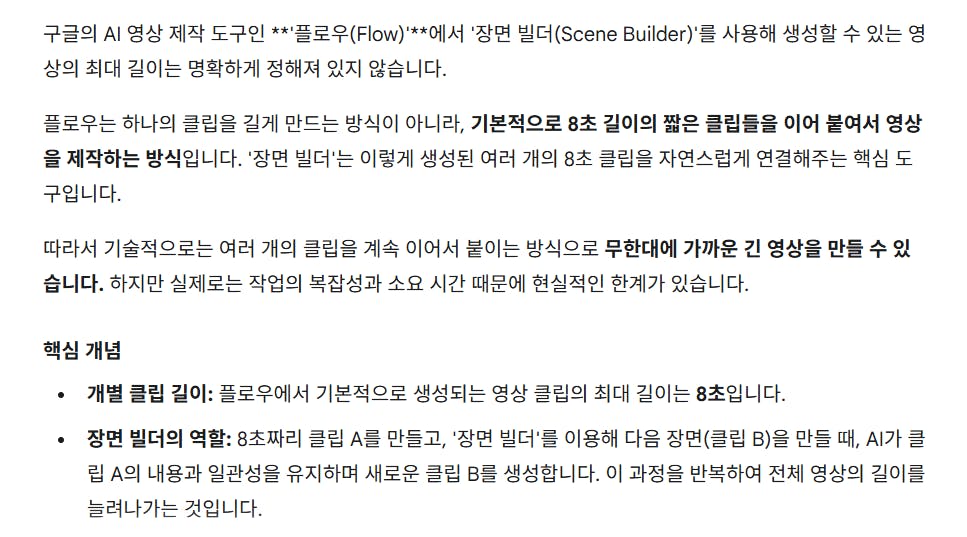
한국어 단어가있는 한국어 페이지
진행 방법
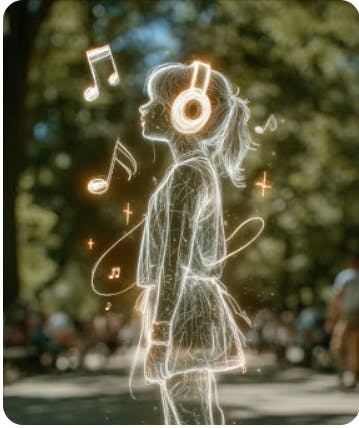
A. 미드저니 & canva
머리에 헤드폰이있는 소녀의 그림
미드저니 라이트 드로잉 이미지 참고 or 이미지 생성
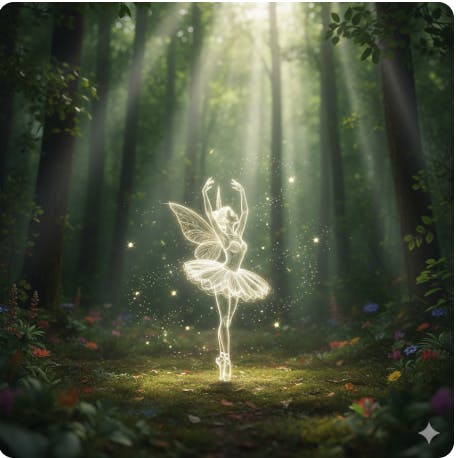
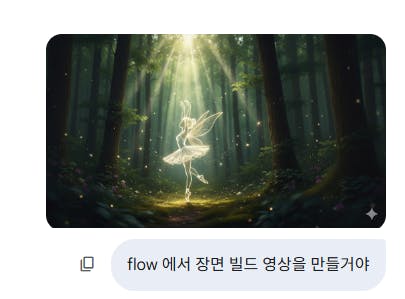
A side profile of a tiny fairy performing ballet in a small clearing where sunlightA side pours into a deep forest. The fairy's body is a light drawing or glow effect sketch, composed of brightly glowing white and soft golden lines. Around her, luminous fireflies and tiny pixie dust are scattered. The fairy is gracefully posed, and the background is a blurred, lush forest with mystical sunlight. Aspect ratio: 16:9
⬇️
⬇️숲에있는 요정의 이미지
canva로 가져와 16:9 파일 찾기
이미지 업로드하고 삽입
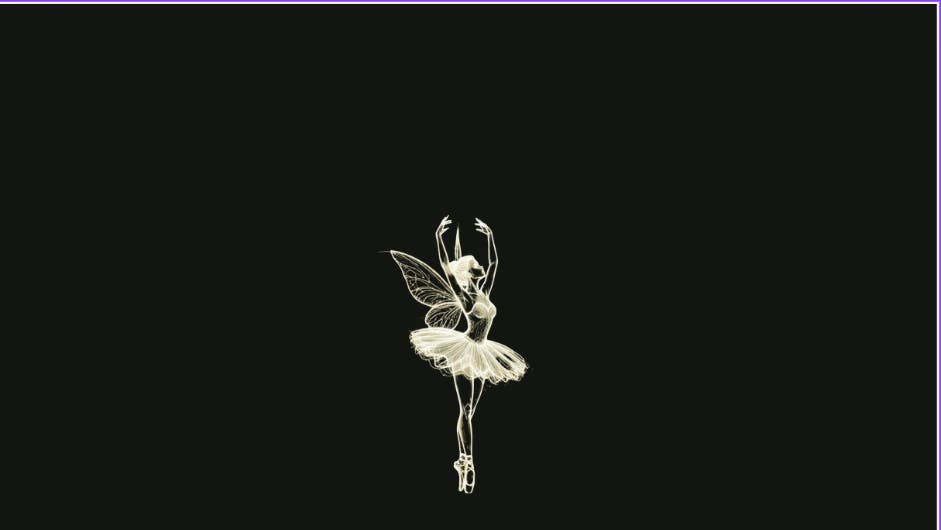
배경색 검정_라이트 드로잉의 특성상 선이 잘보임
검은 배경에 흰색 발레리나
다운로드
B. Gemini
다운로드한 이미지 제미나이로 가져오기
프롬프트 생성(영상생성하면서 프롬프트 입력해도 되지만, 스토리처럼 만들어 보고 싶었다.)
숲에 요정의 이미지가있는 한국 문자 메시지 스크린 샷
In a mysterious forest filled with ethereal light, a main fairy, delicately rendered as a light drawing, stands gracefully in a ballet pose. Sparkling small lights dance around her. Soon, three small and cute light-drawing fairies, each wearing ballet costumes made of different colored lights, mysteriously appear and gaze at the main fairy. The background is a lush forest with sunbeams pouring through, and on the ground, dewy grass blades and shimmering flower petals are scattered.As the light-drawing main fairy executes a powerful ballet jump in the forest, an even more intense light radiates from her body, sending her soaring into the sky. Following her, the three small and cute light-drawing fairies also beautifully ascend into the heavens, leaving shimmering trails of light. The ephemeral light traces form fantastical trajectories in their wake. The background transitions to a twilight sky where stars begin to appear as the forest trees recede into the distance.In the vast and mysterious cosmic space, four light-drawing fairies gracefully gather in a circular formation, performing ballet. Their movements resemble a grand vortex of light. As they dance, streaks of light from each fairy, distinct in color, intertwine and merge, gradually forming the beautiful cursive letters 'L', 'O', 'V', 'E'. Finally, the fairies stand sparkling at specific points within the 'LOVE' letters, which glow resplendently against a backdrop of the Milky Way and starlight.
C. flow
생성한 이미지를 flow로 가져옴
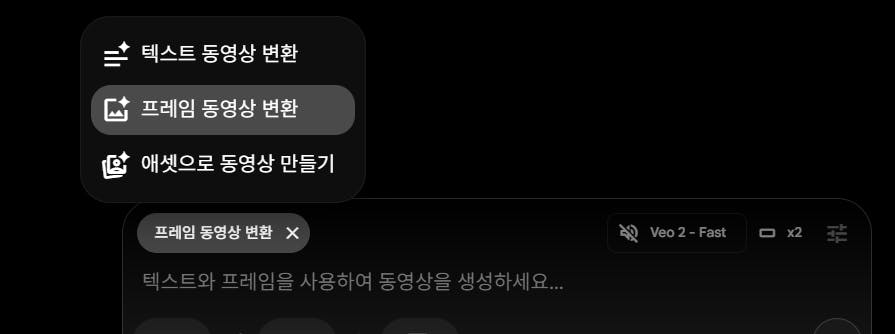
프레임동영상생성 선택하고 프롬프트 입력 (영어만 가능)
삼성 갤럭시 S10E 스크린 샷
첫 영상제작
이어진 영상제작을 위해 장면 빌드의 기능을 이용할 수 있다.
-프레임 에셋 기능
-영상 길이 조정다음 장면 시작 에셋 삽입과 프롬프트 작성 실행
다음은 반복이다.
vio2 모델 -확장기능
vio3 모델 -바로이동(음악&효과음 생성)
D. Capcut
바로 이동 기능과 확장 기능을 섞어 사용한 결과 무음인 장면이 있어 편집함
배운 점과 나만의 꿀팁을 알려주세요.
다양한 ai의 툴을 접하고 있다. 툴의 정보를 알고 시작하는 것이 생소하지 않아 각 기능들을 살펴볼 수 있었다.
과정 중에 어떤 시행착오를 겪었나요?
영상 길이가 긴 느낌이 있으나 이쁜 컷들이 개인적으로 맘에 들어 장면 빌드의 특성을 살리지 못험~ㅎ
기능과 모델의 특성을 몰랐으나 여러번 시도해봄으로 파악하게 되었다
도움 받은 글 (옵션)
물결님 수업
