


1단계: 클로드 코드 설치
Python 다운로드
Node.js 다운로드
Git 다운로드
2단계: WSL2 설치하기
PowerShell을 관리자 권한으로 실행
Win + X → Windows PowerShell (관리자)
WSL 설치 명령어 실행
사본
wsl --install>오류 발생
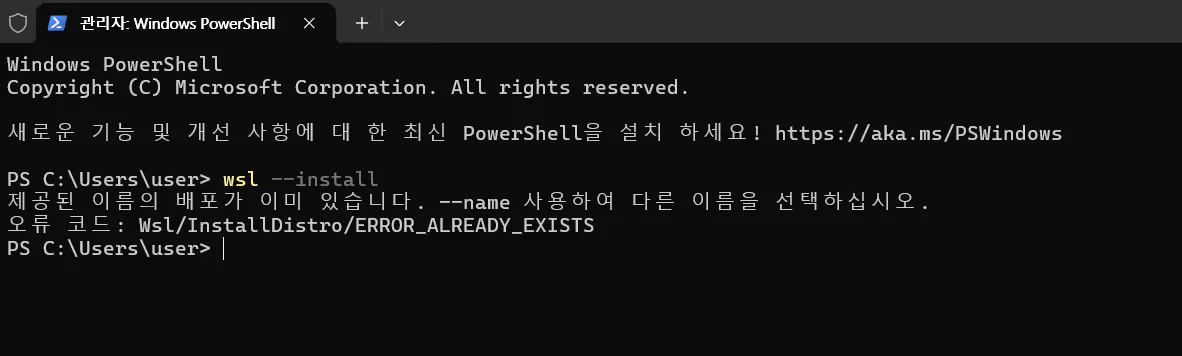
한국어 프로그램 스크린샷
--> 여기서부터는 Chat gpt에게 복사해서 물어보면서 작업해서 클로드코드 설치함(주현영님 박서진님 완전 감사드려요)
https://chatgpt.com/c/691ddd4c-fe5c-8322-bfbc-b01b94717502
3단계. Vantage 터미널설치
https://www.vantagemarkets.com/ko/trading-platform/metatrader-4/
4단계: 클로드 코드에서 전략 짜다가 실패
저변동성 외환시장용 자동매매 EA 개발 - Claude
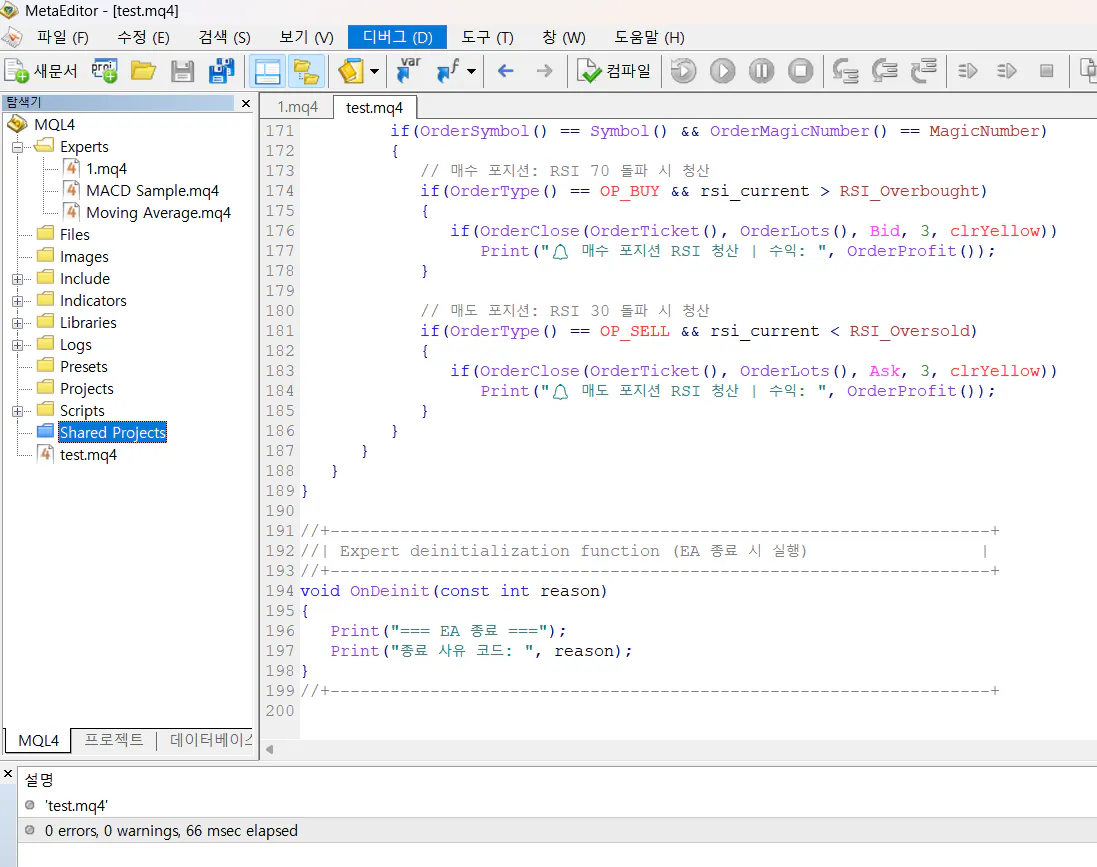
프로그램을 보여주는 컴퓨터 화면의 스크린샷
5단계: 시스템 트레이딩에서 "웃고 있는 상태"까지 나옴
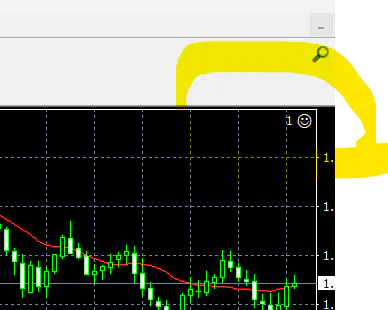
오른쪽을 가리키는 노란색 화살표가 있는 외환 표시기
참고한 글 (옵션)
참고1.
https://www.gpters.org/wealth/post/claude-code-perfect-installation-nXFRjjMjlhrFteX
