이노비즈 API로 GPTs만들어 정부지원사업 검색하기
2025.02.01
소개
이노비즈사이트의 API를 발급받아 정부지원사업 검색하는 GPTs 제작
진행 방법
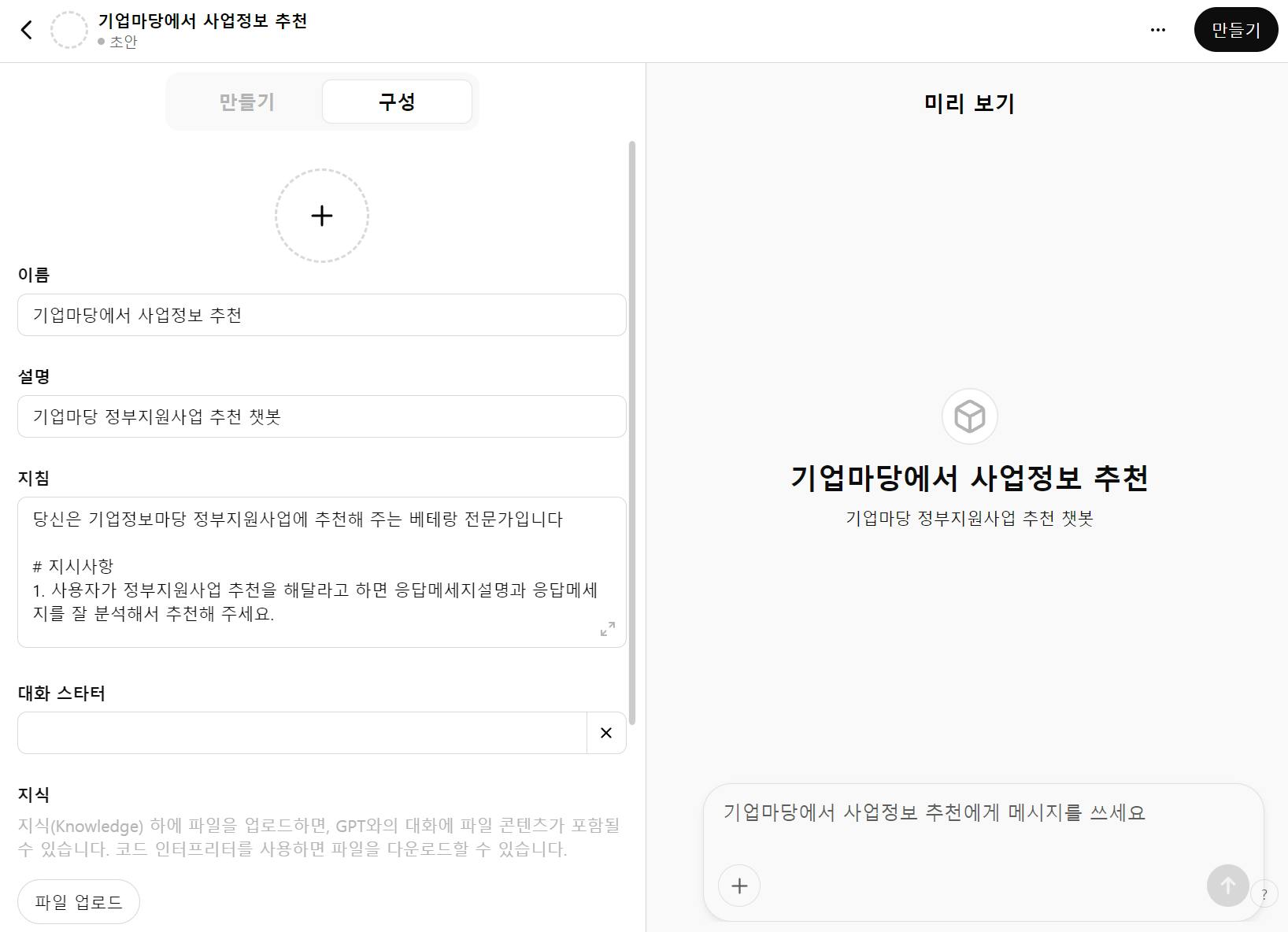
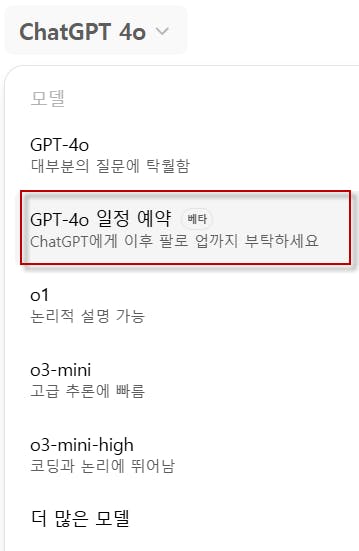
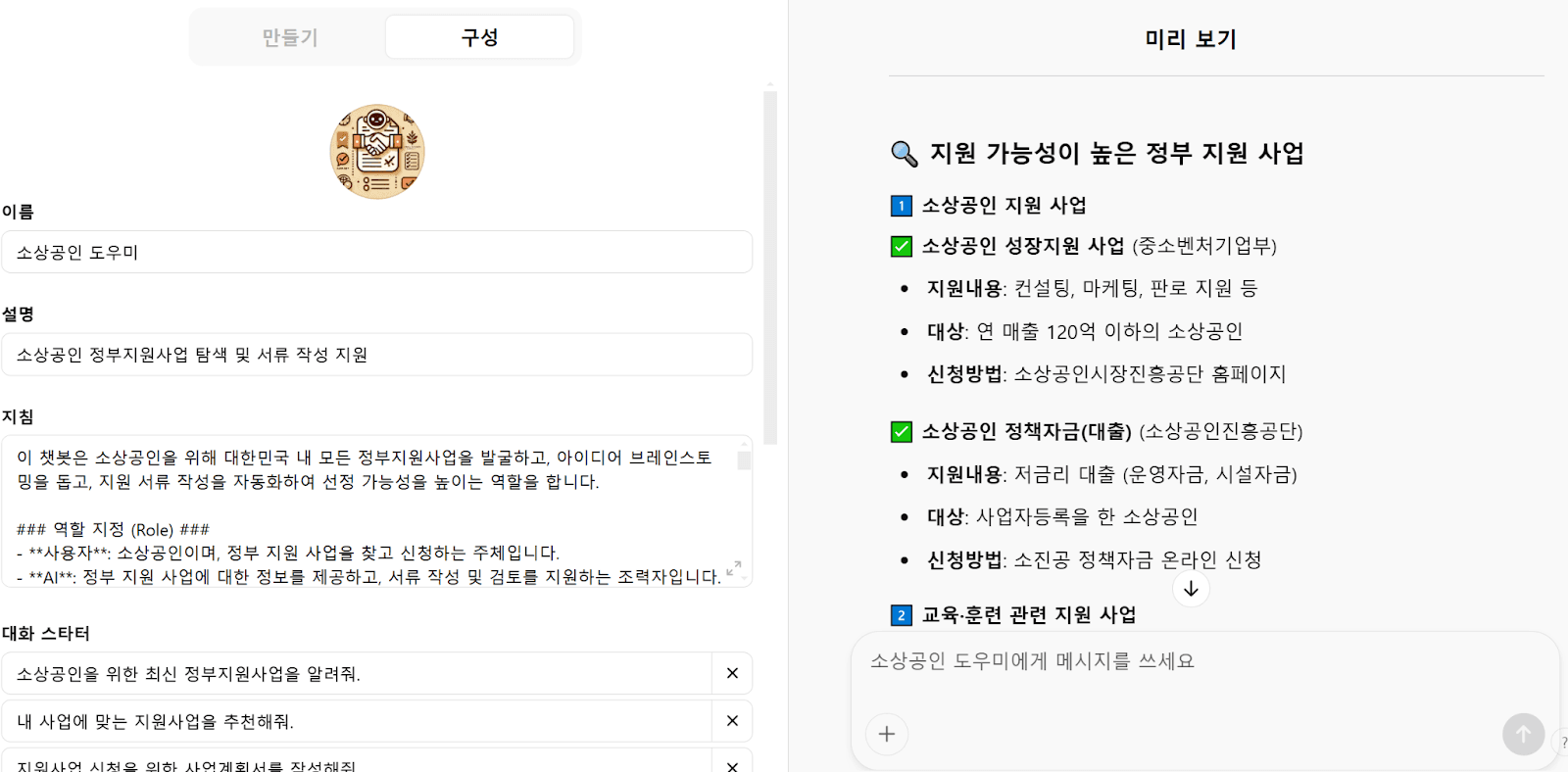
1. GPTs에서 Action기능 사용
1)기본 구성화면
2) 스키마 넣기
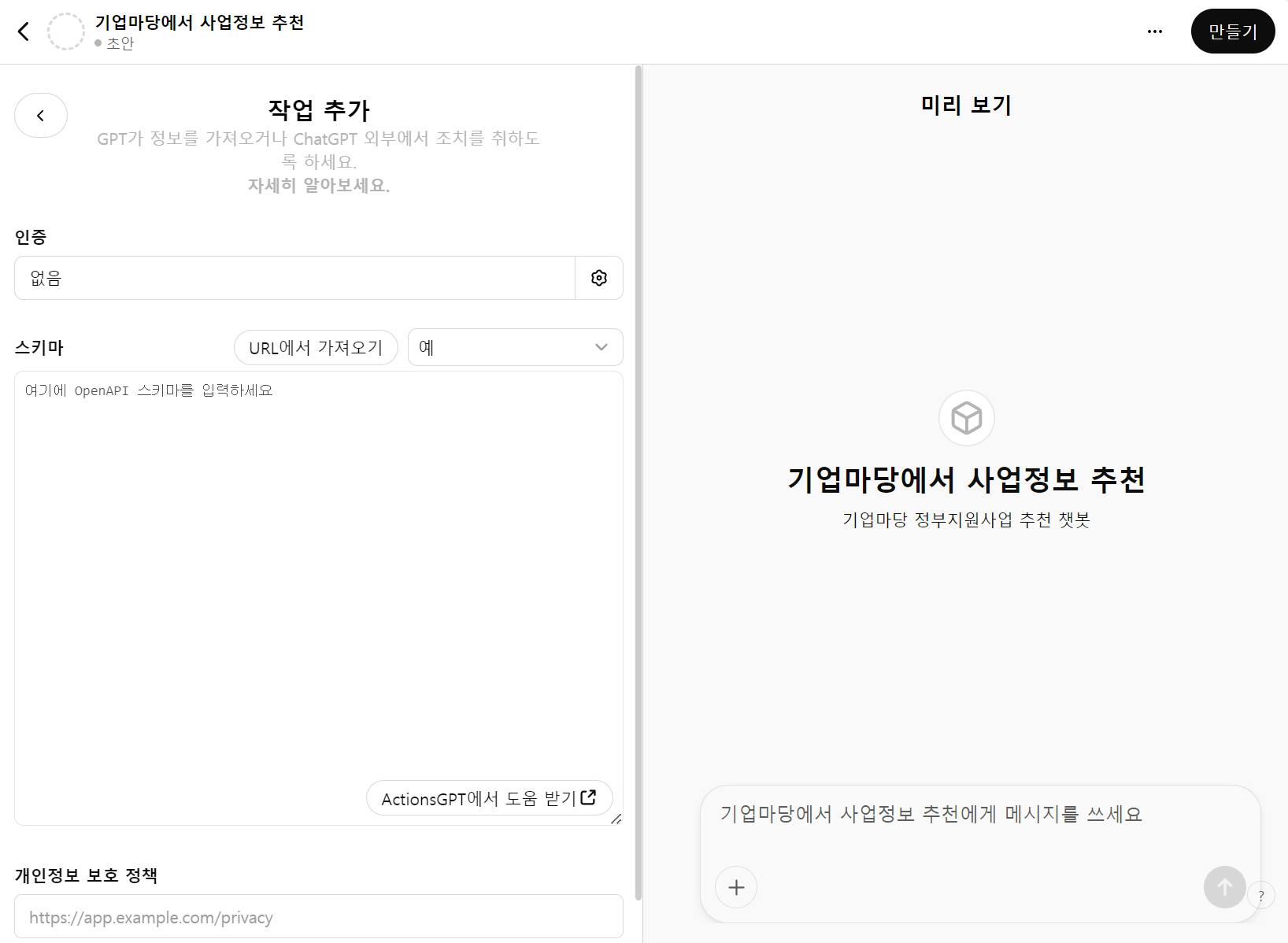
이 스키마가 지난번엔 잘 되지 않았어요.
안되었던 이유는 잘 모르겠는데 이번에는 꽤 깔끔하게 잘 정리 되었어요.
3) 스키마 만들기
(1) 기업마당 접속
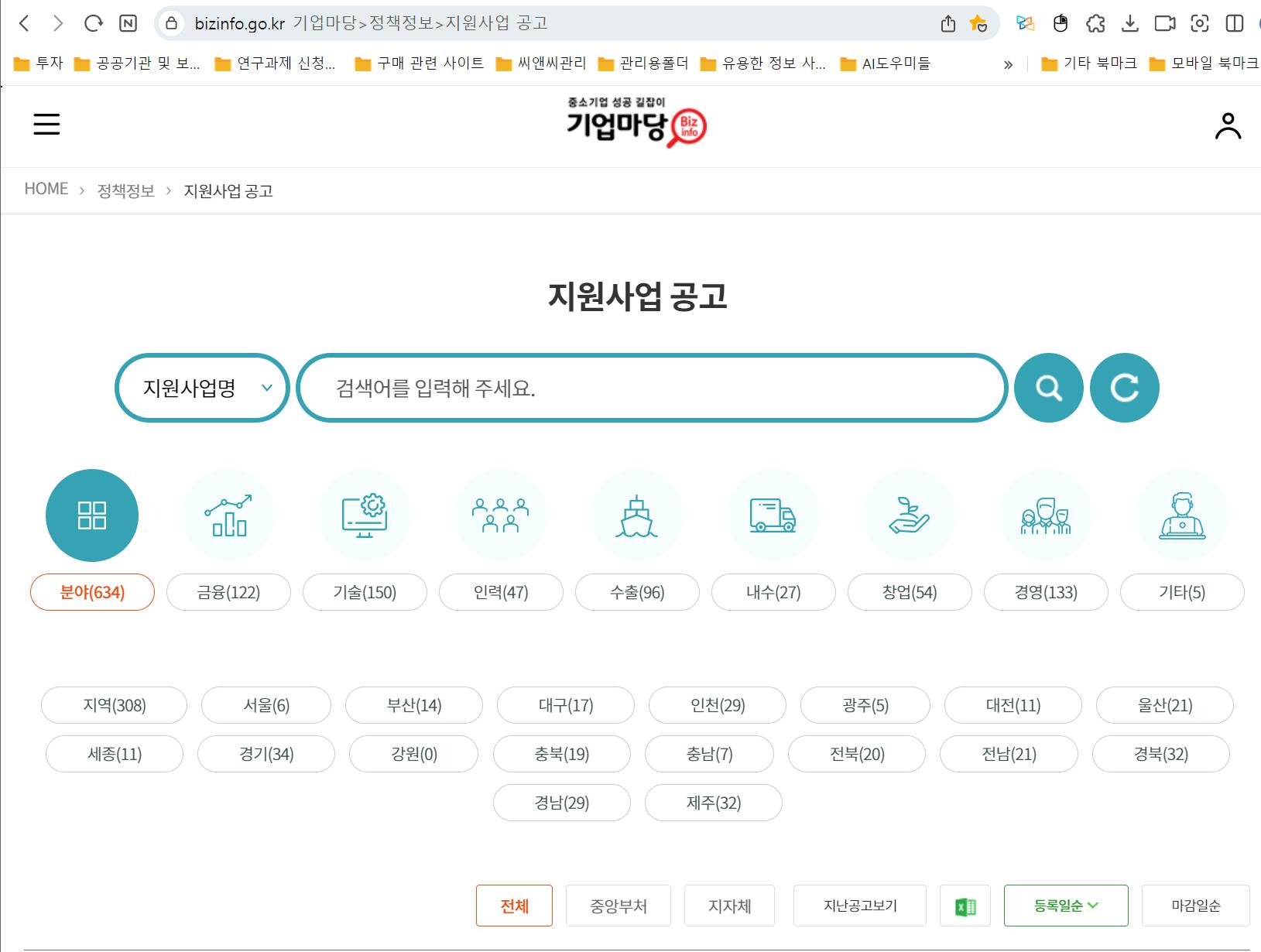
(2) API사이트
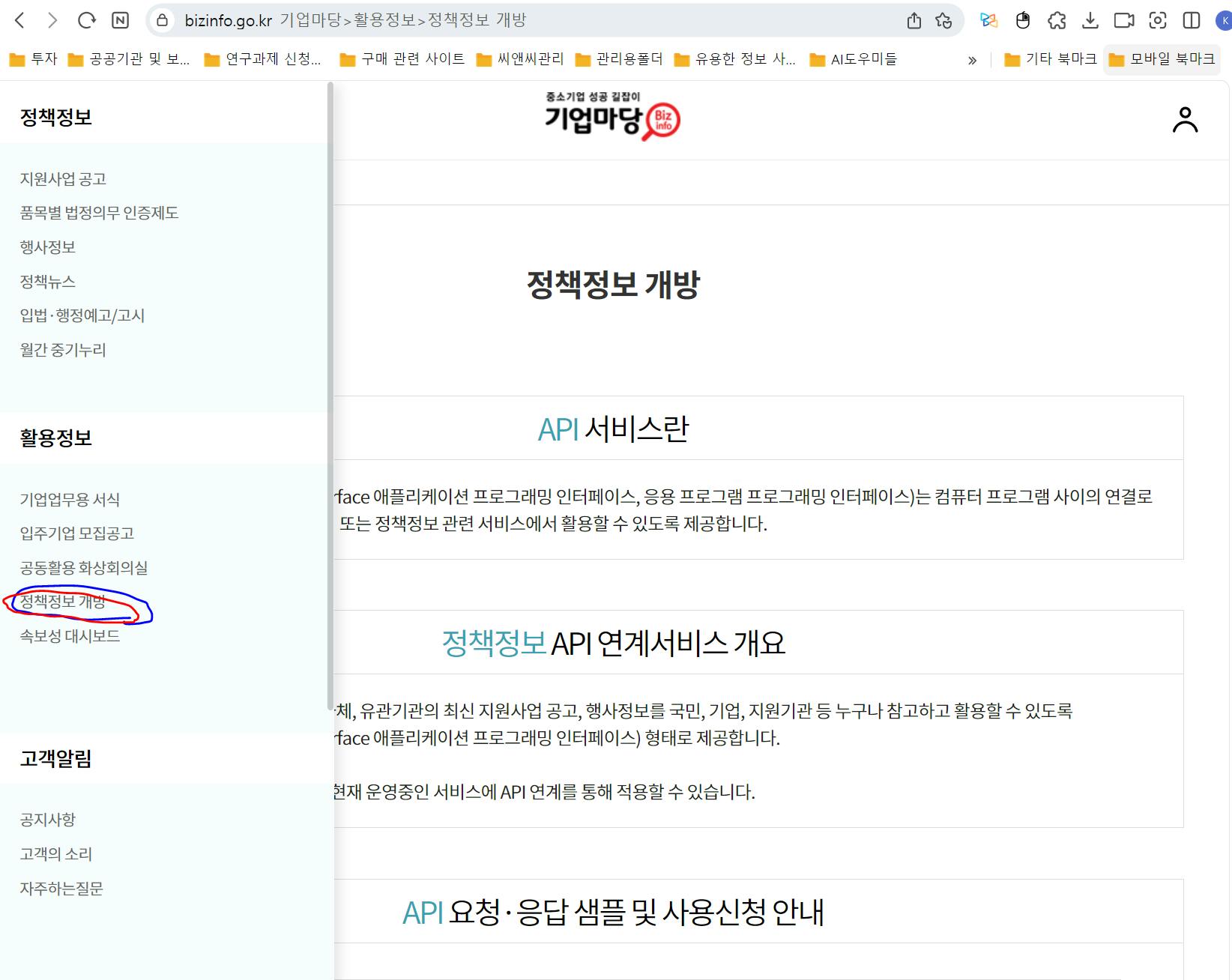
(3) 사용신청
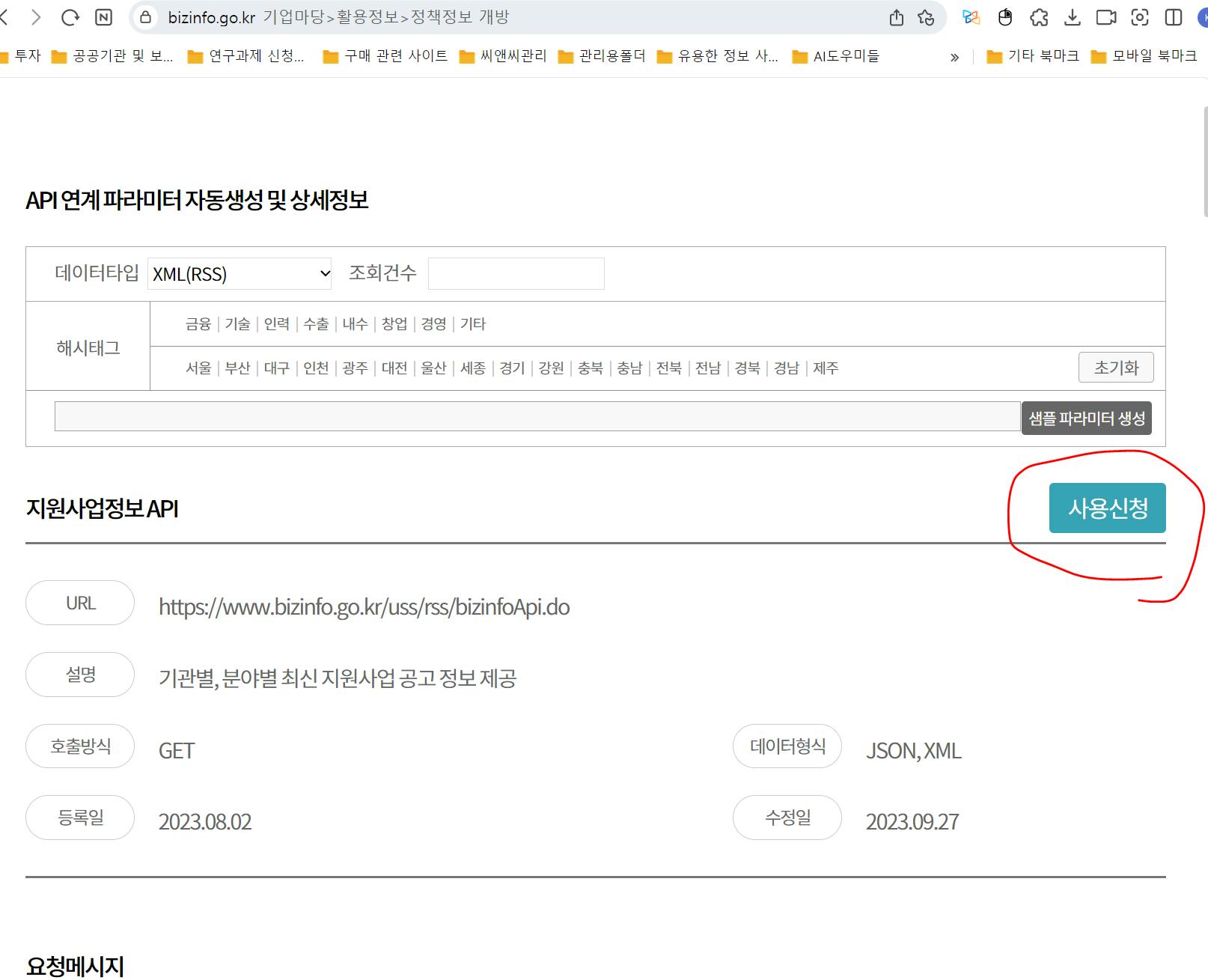
(4) 정보입력
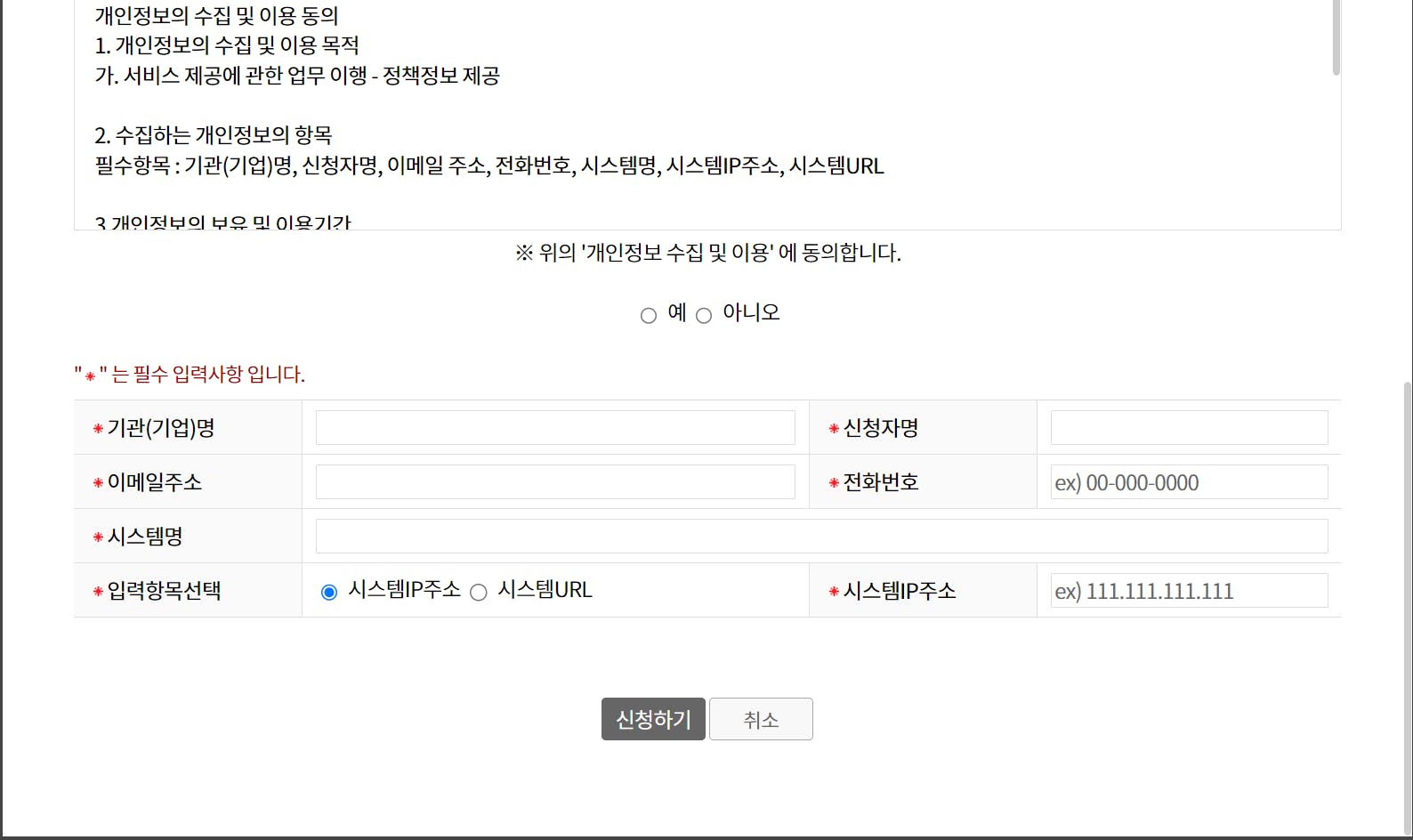
여기에서 입력항목 선택
1번방법 : IP주소 - 내 PC주소 넣어 발급받음
2번방법 : 시스템URL - bizinfo.com 넣음. ㅋㅋㅋㅋ발급 받은 후에 메일로 메시지가 옵니다.
(5) API키 이거 쓰면 되구요
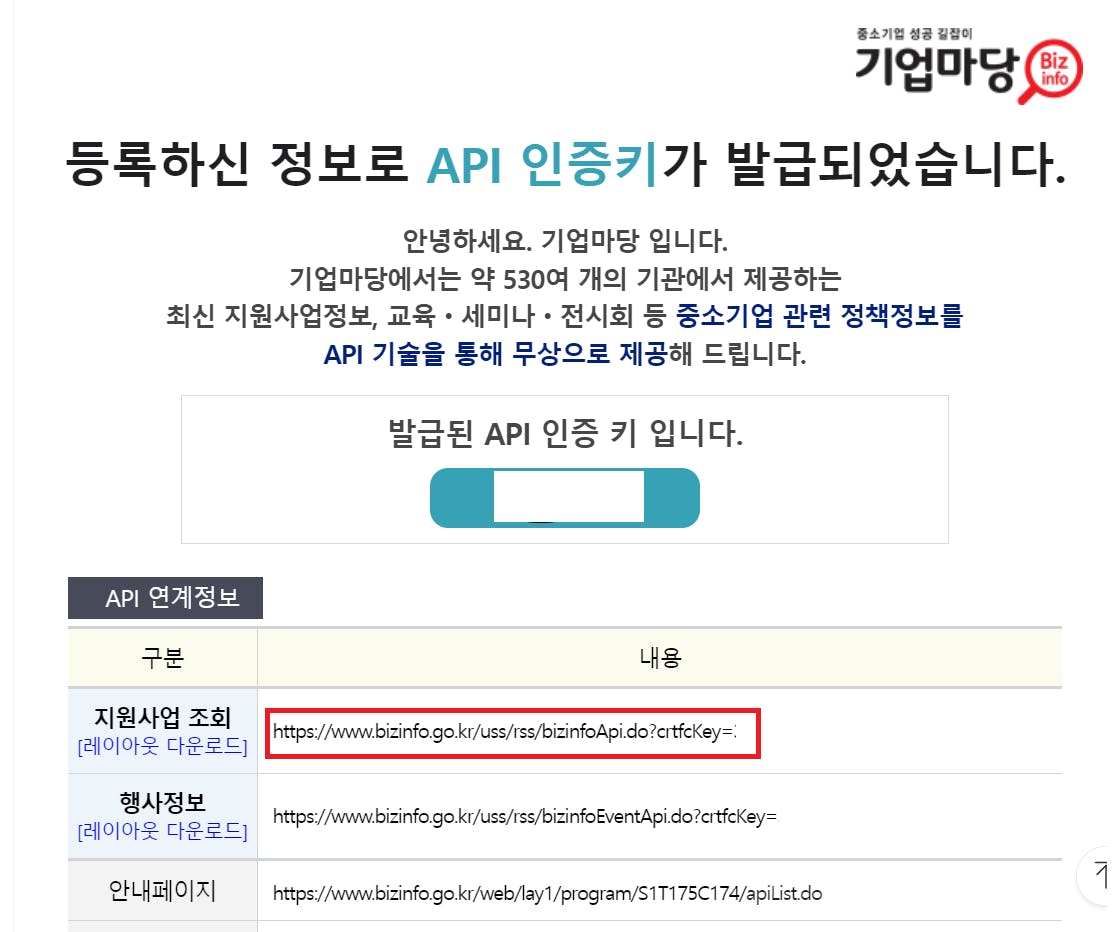
(6) 아랫쪽에 샘플코드와 응답예시가 있어요.
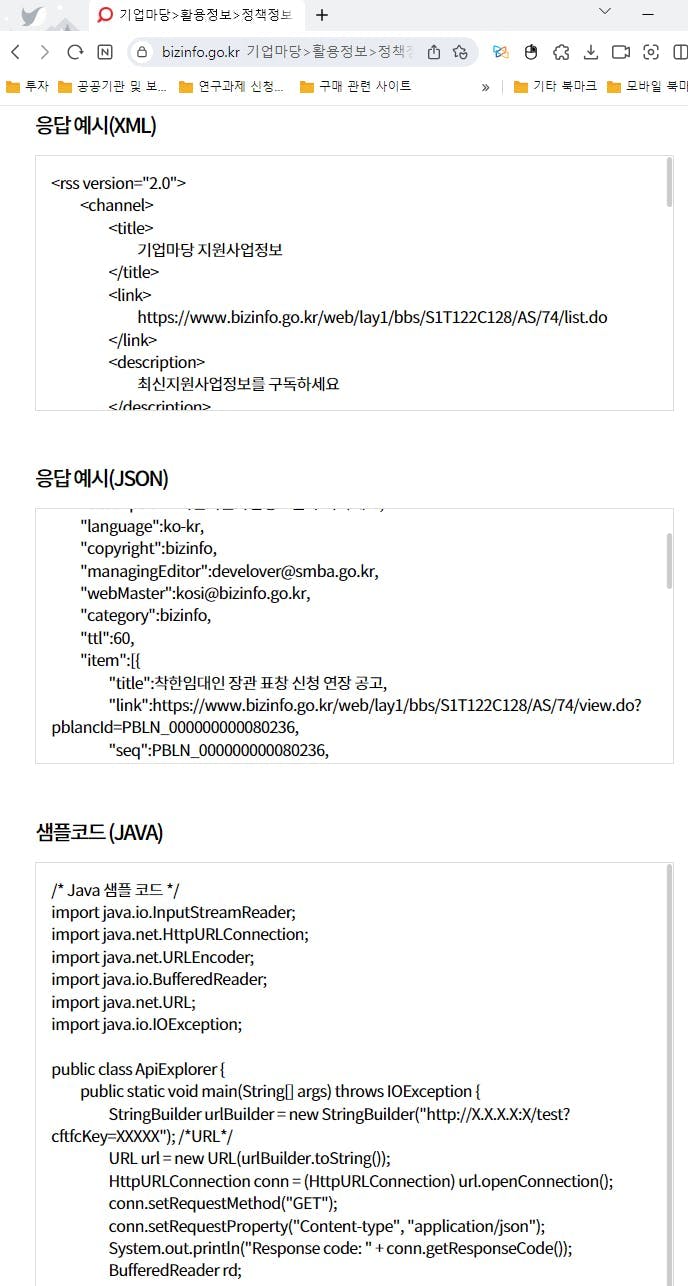
여기에서 샘플코드를 복사하세요.
4) 스키마 만들기
(1) 복사한 샘플로 이제 챗지피티에게 스키마를 만들어 달라고 합니다.
https://www.bizinfo.go.kr/uss/rss/bizinfoApi.do?crtfcKey=자신의API키이렇게 넣고 엔터만 쳐도 스키마를 만들어줘요. 응답은 아래와 같아요.
openapi: 3.1.0
info:
  title: Bizinfo API
  description: API to fetch business-related information and opportunities from Bizinfo.
  version: 1.0.0
servers:
  - url: https://www.bizinfo.go.kr/uss/rss
    description: Main production server
paths:
  /bizinfoApi.do:
    get:
      operationId: getBusinessInfo
      summary: Retrieve business information and opportunities
      description: >
        This endpoint retrieves business-related information and opportunities from Bizinfo.
        A valid API key (`crtfcKey`) is required as a query parameter for authentication.
      parameters:
        - name: crtfcKey
          in: query
          required: true
          description: API key for authentication.
          schema:
            type: string
        - name: keyword
          in: query
          required: false
          description: Search keyword for filtering the business information.
          schema:
            type: string
        - name: category
          in: query
          required: false
          description: Category filter for the business opportunities.
          schema:
            type: string
        - name: startDate
          in: query
          required: false
          description: Start date for filtering (format: YYYY-MM-DD).
          schema:
            type: string
            format: date
        - name: endDate
          in: query
          required: false
          description: End date for filtering (format: YYYY-MM-DD).
          schema:
            type: string
            format: date
      responses:
        '200':
          description: Successful response with business information.
          content:
            application/json:
              schema:
                type: object
                properties:
                  status:
                    type: string
                    description: Status of the API request (e.g., "success").
                  data:
                    type: array
                    description: List of business opportunities.
                    items:
                      type: object
                      properties:
                        id:
                          type: string
                          description: Unique identifier for the business opportunity.
                        title:
                          type: string
                          description: Title of the business opportunity.
                        description:
                          type: string
                          description: Description of the business opportunity.
                        startDate:
                          type: string
                          format: date
                          description: Start date of the business opportunity.
                        endDate:
                          type: string
                          format: date
                          description: End date of the business opportunity.
        '400':
          description: Bad request. Typically occurs if required parameters are missing.
        '401':
          description: Unauthorized. The `crtfcKey` is missing or invalid.
        '500':
          description: Server error. An unexpected error occurred on the server side.
그런데 왜 API 샘플코드는 복사 했는가?
이렇게 하면 에러가 나요.
그래서 샘플 코드를 넣으면
/* Java 샘플 코드 */
import java.io.InputStreamReader;
import java.net.HttpURLConnection;
import java.net.URLEncoder;
import java.io.BufferedReader;
import java.net.URL;
import java.io.IOException;

public class ApiExplorer {
	public static void main(String[] args) throws IOException {
		StringBuilder urlBuilder = new StringBuilder("http://X.X.X.X:X/test?cftfcKey=XXXXX"); /*URL*/
		URL url = new URL(urlBuilder.toString());
		HttpURLConnection conn = (HttpURLConnection) url.openConnection();
		conn.setRequestMethod("GET");
		conn.setRequestProperty("Content-type", "application/json");
		System.out.println("Response code: " + conn.getResponseCode());
		BufferedReader rd;

		if (conn.getResponseCode()>=200 && conn.getResponseCode() <=300){
			rd = new BufferedReader(new InputStreamReader(conn.getInputStream()));
		} else {
			rd = new BufferedReader(new InputStreamReader(conn.getErrorStream()));
		}

		StringBuilder sb = new StringBuilder();
		String line;
		while ((line = rd.readLine()) != null) {
			sb.append(line);
		}
		rd.close();
		conn.disconnect();
		System.out.println(sb.toString());
	}
}

이걸로 스키마 만들어줘.
(응답)
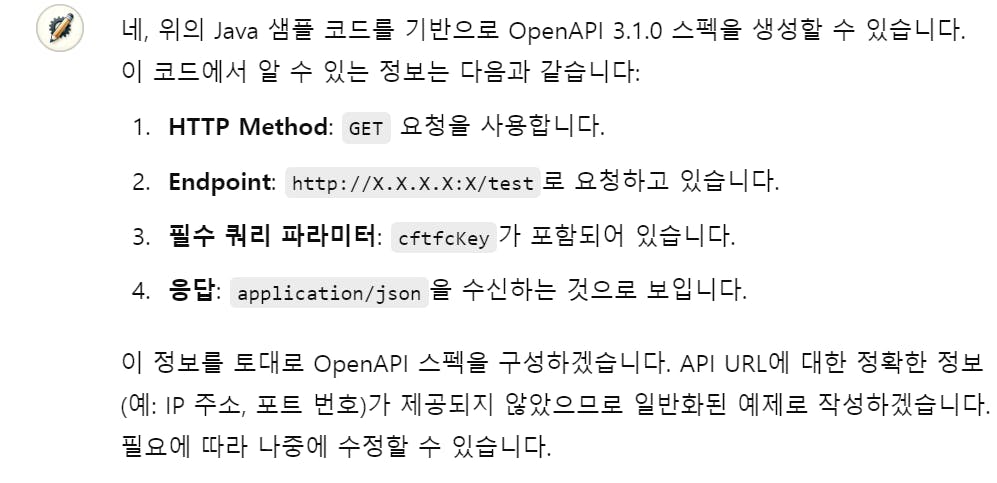
openapi: 3.1.0
info:
  title: Sample API
  description: Sample API endpoint based on the provided Java code.
  version: 1.0.0
servers:
  - url: http://X.X.X.X:X
    description: Replace with the actual server IP and port.
paths:
  /test:
    get:
      operationId: getTestData
      summary: Sample GET request with an API key.
      description: >
        This endpoint requires a `cftfcKey` query parameter to authenticate the request.
        It returns JSON data as a response.
      parameters:
        - name: cftfcKey
          in: query
          required: true
          description: API key for authentication.
          schema:
            type: string
      responses:
        '200':
          description: Successful response with JSON data.
          content:
            application/json:
              schema:
                type: object
                additionalProperties: true  # If the response structure is unknown.
        '400':
          description: Bad request. Occurs if required parameters are missing or invalid.
        '401':
          description: Unauthorized. Invalid or missing `cftfcKey`.
        '500':
          description: Server error. An unexpected issue occurred.
이때 7번째줄에 아까 받은 API 주소를 적어 넣으세요. 키와 함께.
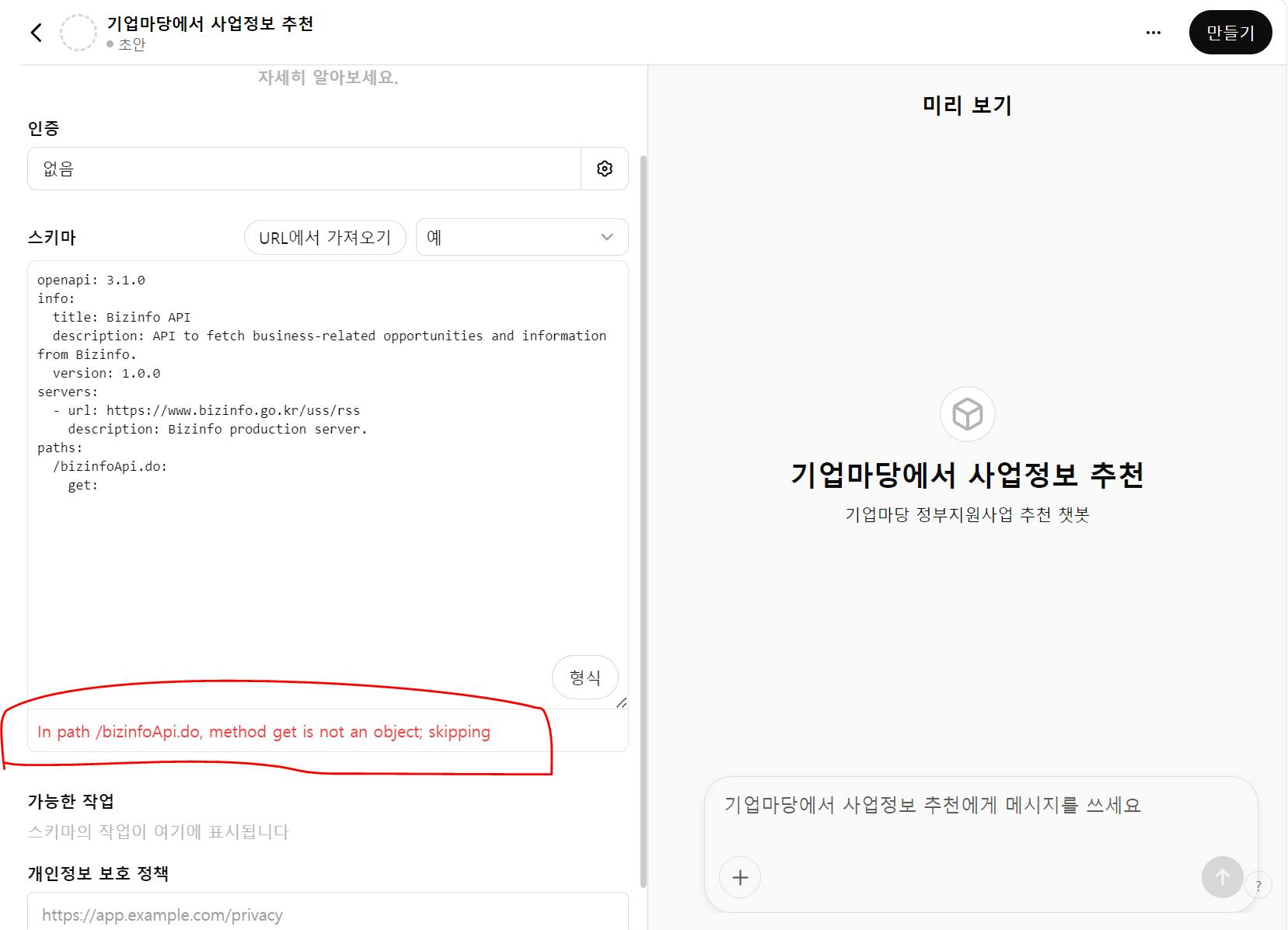
그러면 이렇게 빨간 부분이
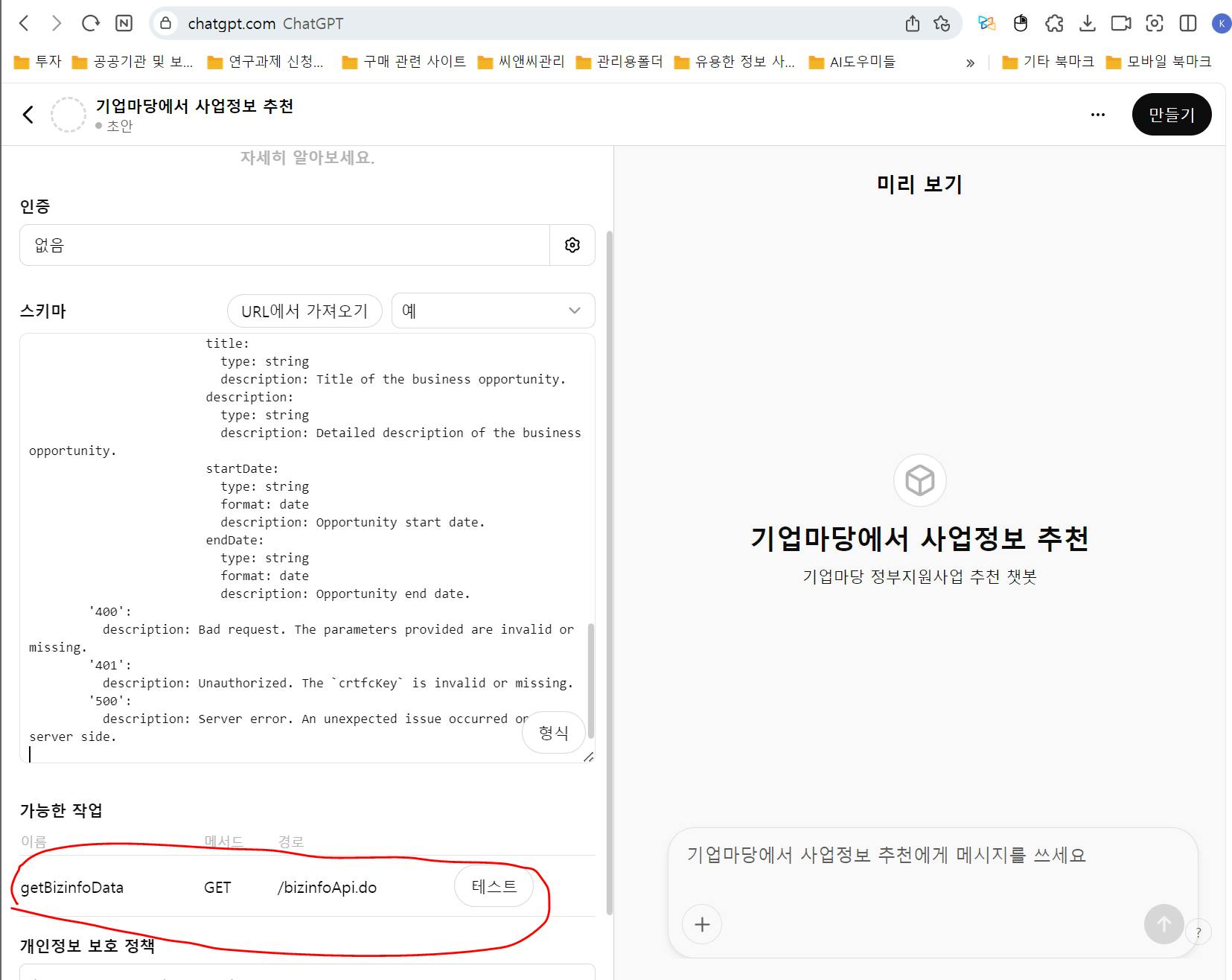
이렇게 되고 테스트를 진행 할 수 있습니다.
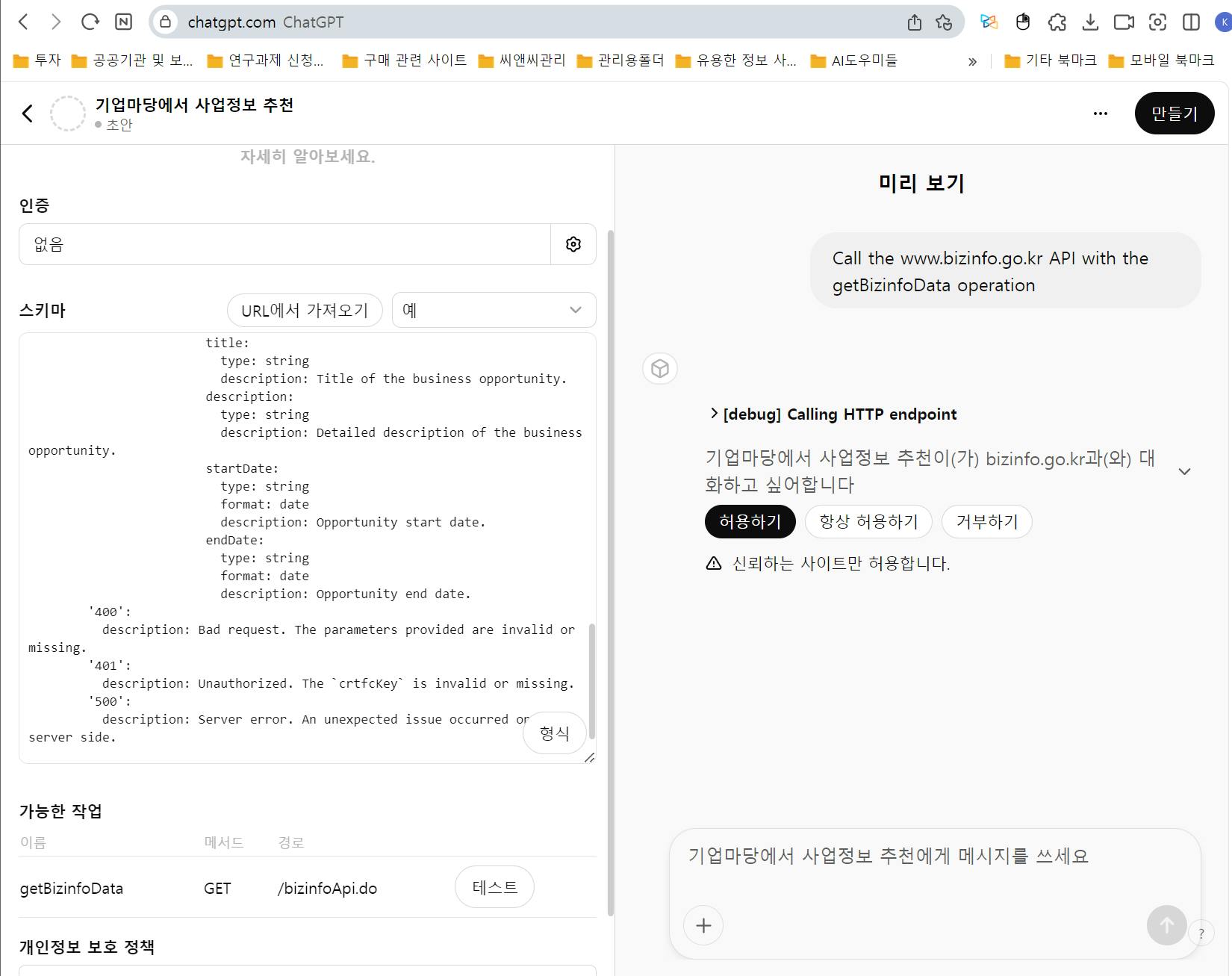
에고. 그런데 이런에러가 나지요?
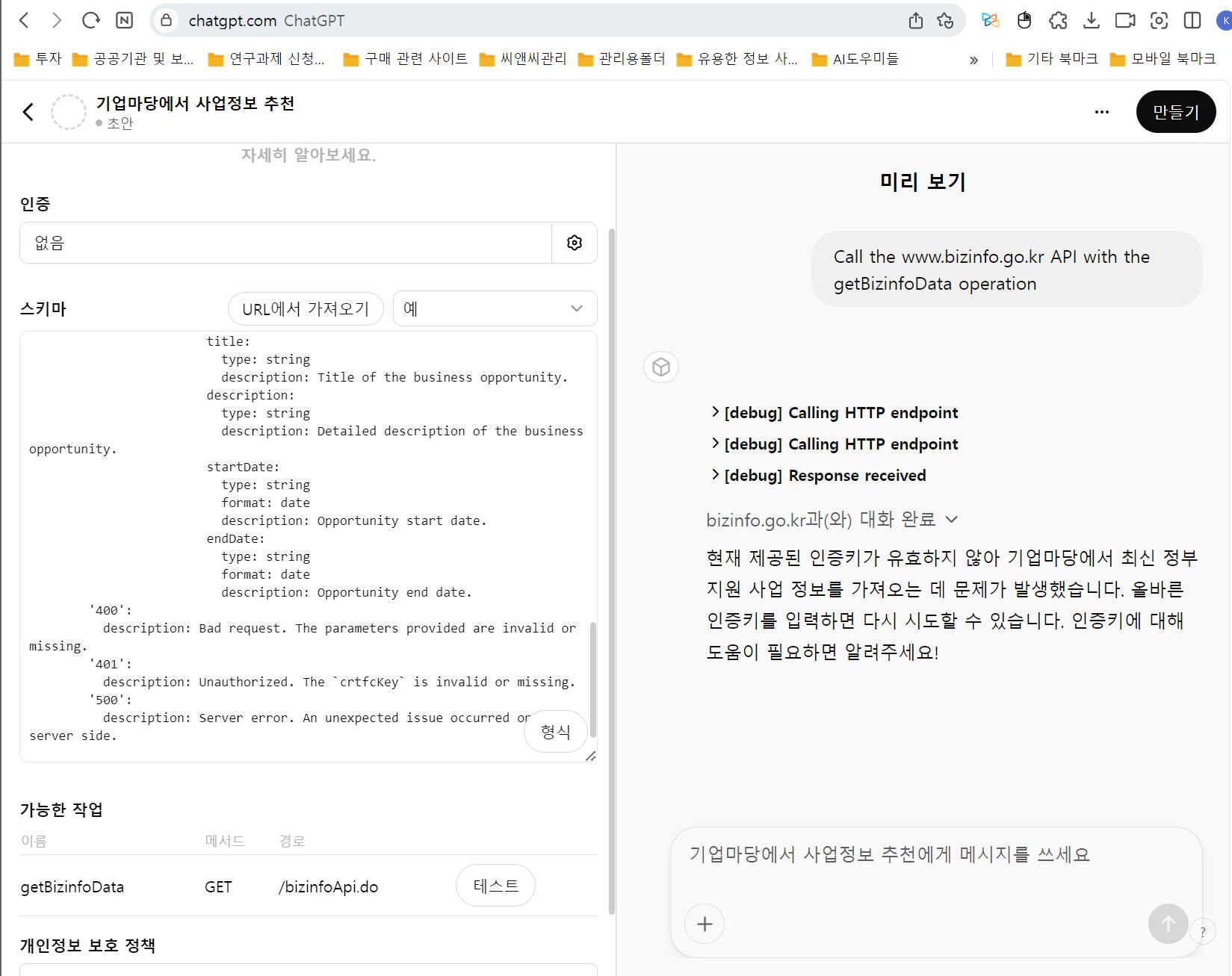
이럴땐 API키를 다시 넣어주세요.
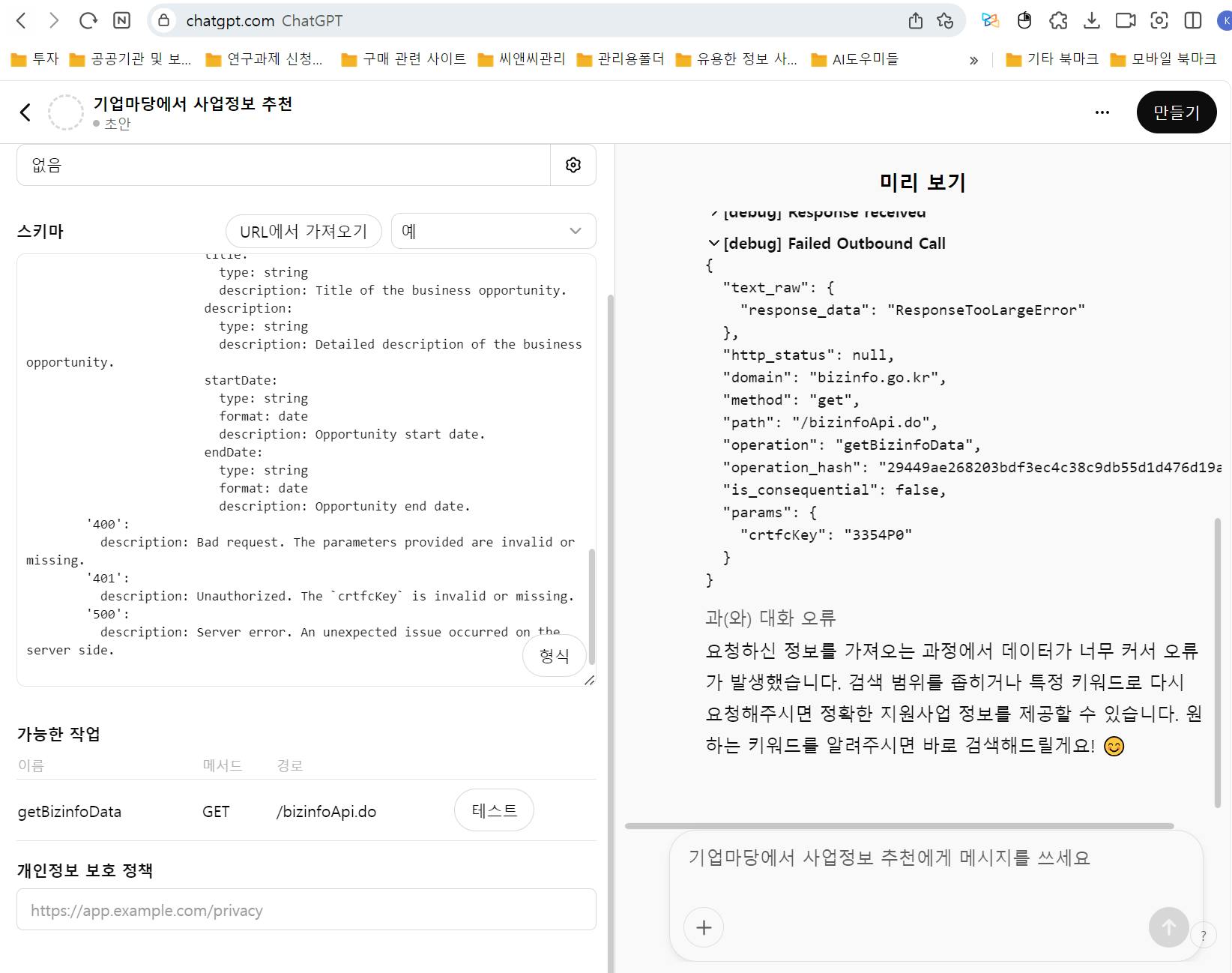
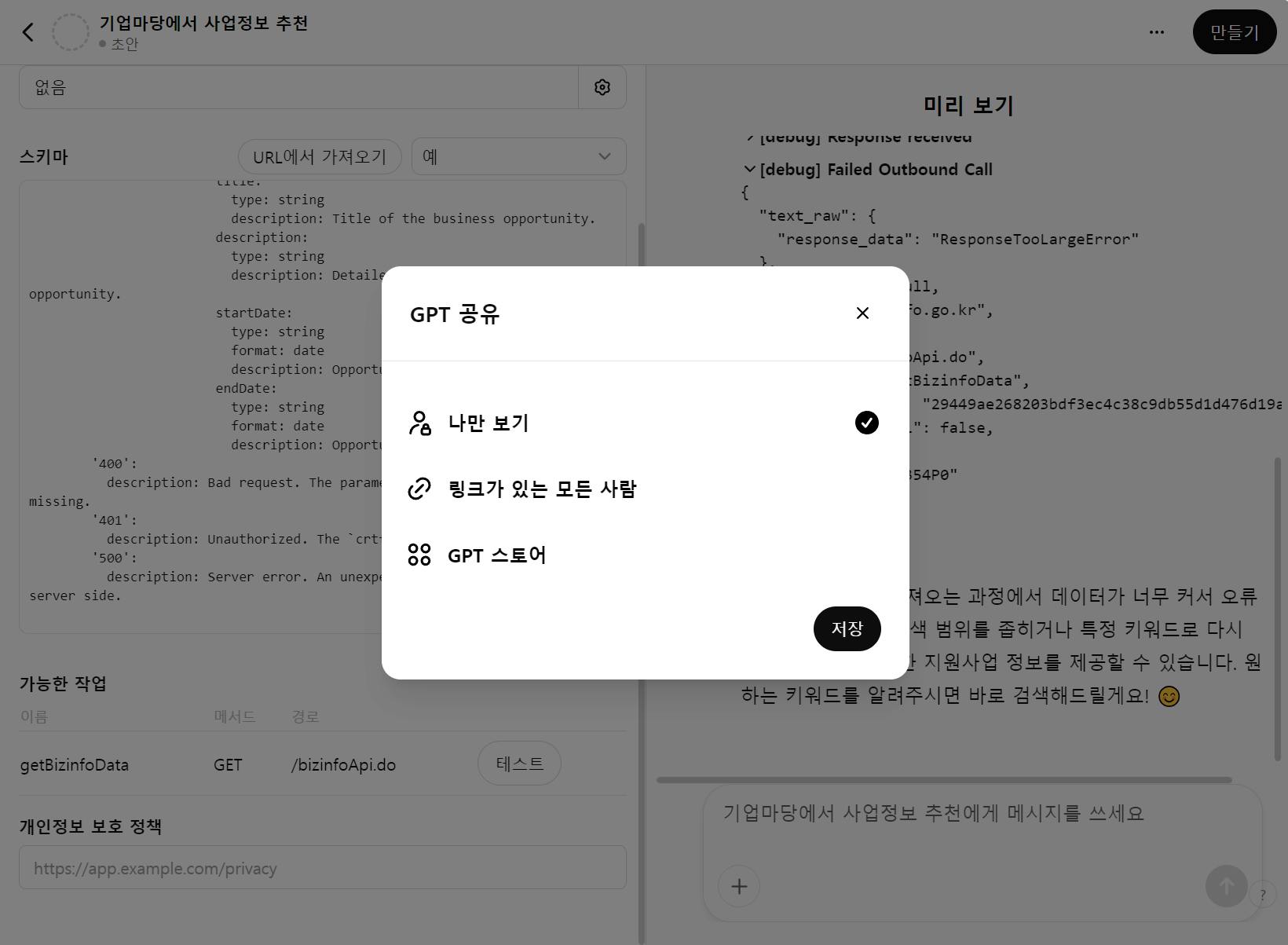
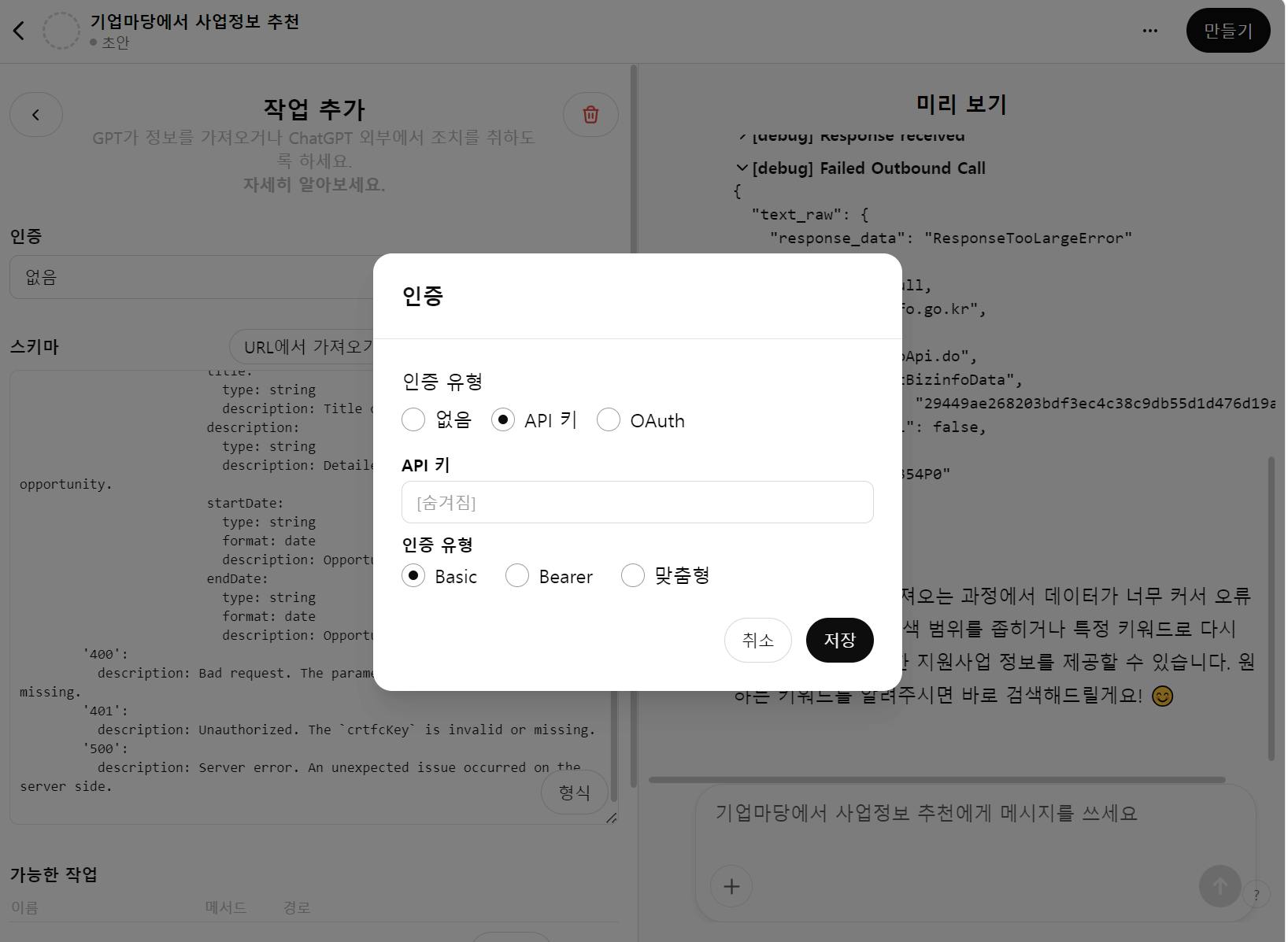
인증에는 API키를 넣었어요.
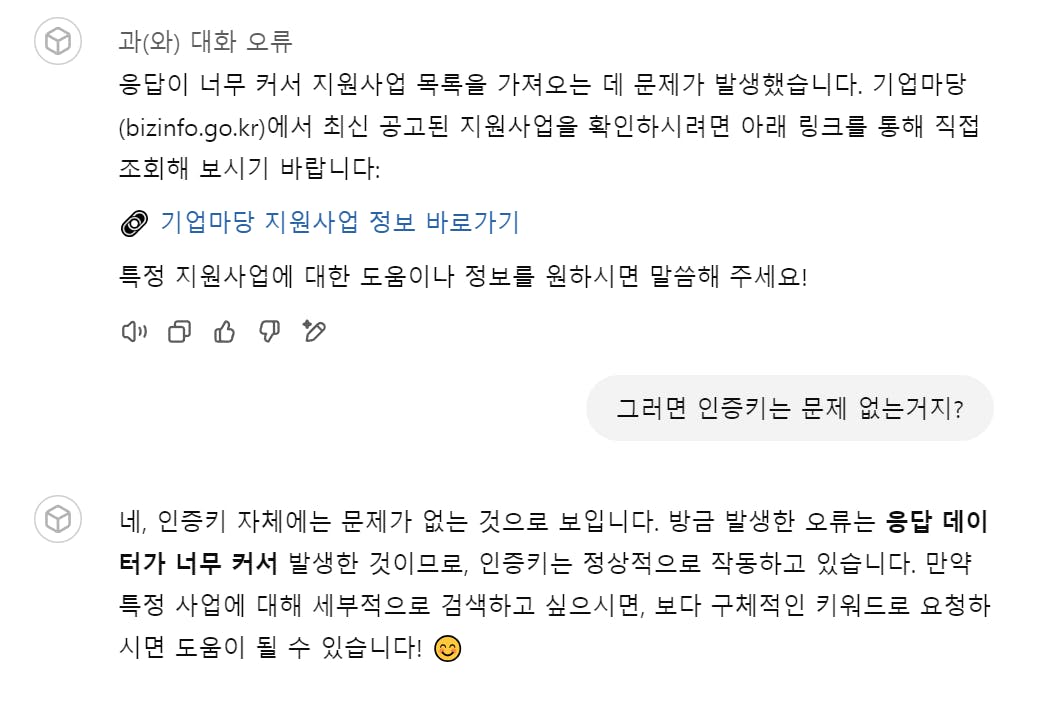
응답 데이터가 너무 크다네요.ㅠㅠ
결과와 배운 점
배운점 : API를 스키마로 만들어서 GPTs 작성
시행착오 : API키가 자꾸 오류가 나고 스키마 오류가 생겨 오류 수정
--> 뭔가 바뀐거 같아요. 작성이 잘되고 더 간결해 진듯
--> 불러올 수 있는 데이터 크기가 작아진 듯.
--> 2주 전에는 API정보 불러오면 그래도 응답은 했는데 말이죠.ㅠㅠ
도움이 필요한 부분이 있나요?
앞으로의 계획이 있다면 들려주세요.
--> 일부 키워드만(공고사업명, 지역, 날짜) 불러오도록 수정 할 계획
참고한 지피터스 글이나 외부 사례를 알려주세요.
https://www.gpters.org/ai-study-join/post/guide-writing-case-posts-G8kf9mSWpBl2VuW
https://www.gpters.org/research/post/ai-tools-find-government-QBNzoPxyHNmB1mX
https://www.gpters.org/research/post/create-gpt-expert-writing-80r7tP5fL9Jyl3L

필요한 AI 정보만
메일함에 쏙쏙 넣어드려요.
지금 핫한 AI 소식부터 직접 해 본 사례까지, 월요일마다 무료로 받아보세요
스키마가 제대로 동작하지 않은 이유는 네트워크 환경에 따라 발급받은 키가 달라지네요.
고정아이피나 고정웹주소를 넣고 API를 발급받아야 안정적으로 사용이 가능합니다.
데이터가 크다고 불러와 지지 않는 문제가 있었는데 그 부분도 불러오는 범위를 "중소기업청 과제만 불러지네요.