>>에듀테크 스터디 오프 모임에서 배운 도구 활용하여 "AI활용" 수업에 사용할 이미지 만들기
진행 방법
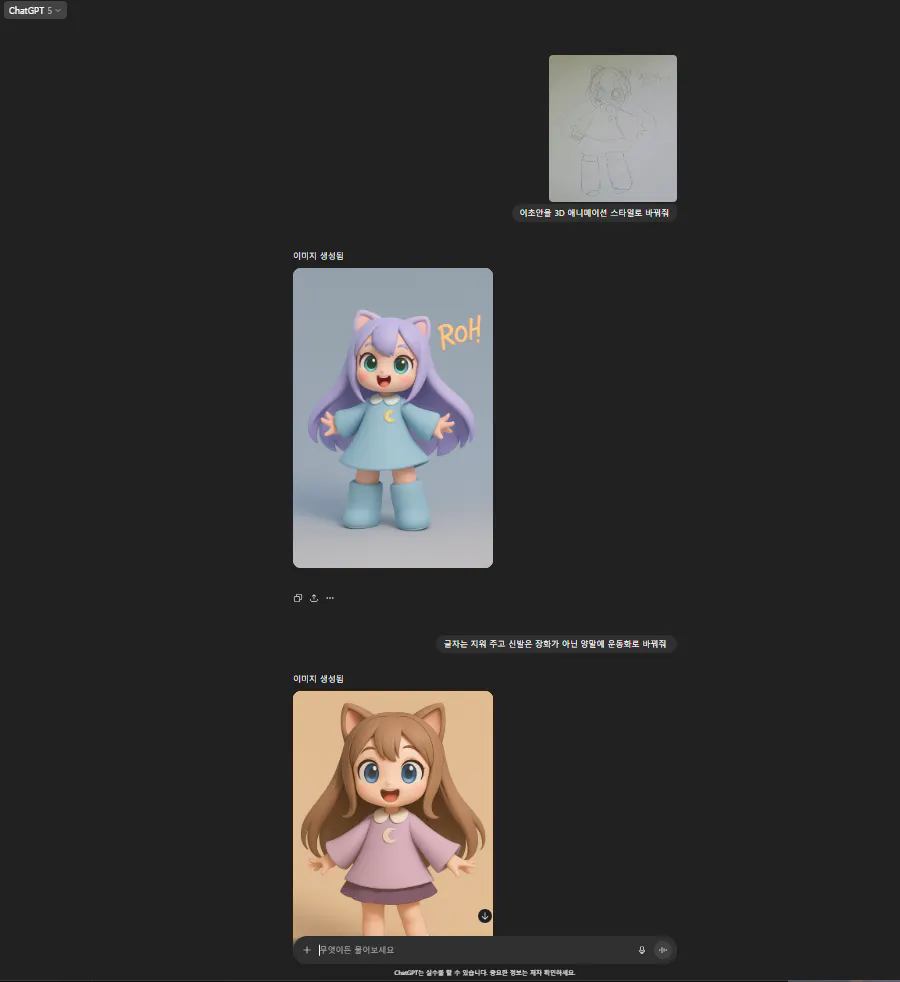
>> 딸이 직접 그린 이미지를 캡쳐 후 chat GPT, Gemini에서 3D 이미지로 변환
캐릭터 그룹을 보여주는 웹 페이지의 스크린 샷
>> Chat GPT 에서 생성 후 부분 수정 요청, 이미지가 다르게 생성됨
장난감 그림의 스크린 샷
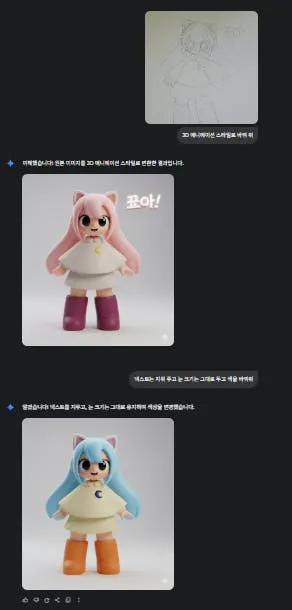
>> Gemini에서 요청 원본이미지의 느낌을 유지하여 생성 되었으나. 원본 이미지에서 긴 양말을 장화로 생성함 색을 부분적으로 수정 요청 , 원하는 결과물이 나오지 않음
보라색 후드티를 입은 고양이 사진
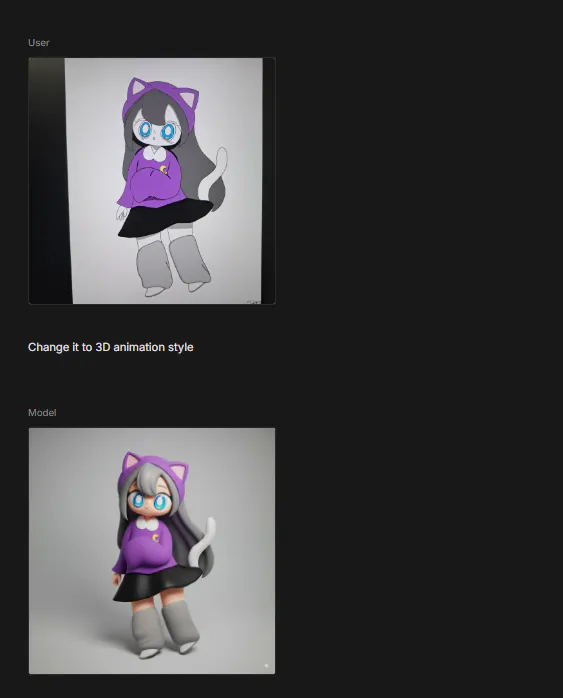
>> Google AI Studio 에서 원본에 색을 입힌 이미지로 3D로 요청 피부색을 제외하고 원본 느낌과 매우 유사하게 생성됨
프롬프트 : Change it to 3D animation style.
고양이 이미지가 포함 된 웹 사이트 스크린 샷
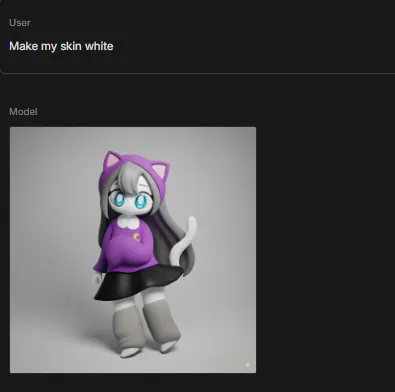
>> 피부색 수정
다양한 캐릭터 이미지를 보여주는 웹사이트 스크린샷
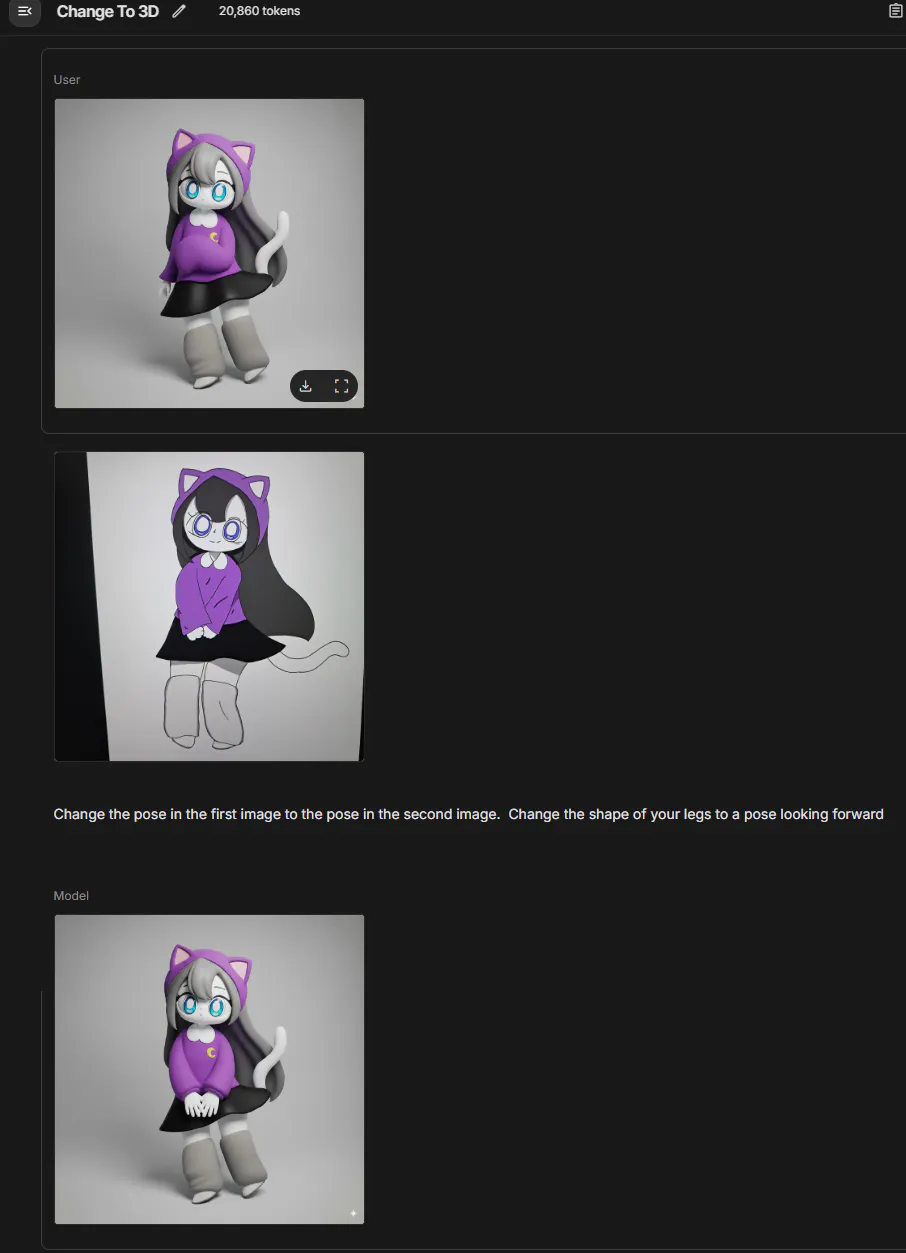
>> 다리 포즈를 변경하려고 했는데 원하는 포즈가 생성되지 않았음. >> 이미지 두개를 이용하여 포즈를 바꾸려 시도 했는데 팔부분만 계속 수정되어 생성됨. 꼬리가 두개가 되거나 팔이 3개로 생성되기도 함
캐릭터의 3D 모델을 보여주는 웹사이트의 스크린샷
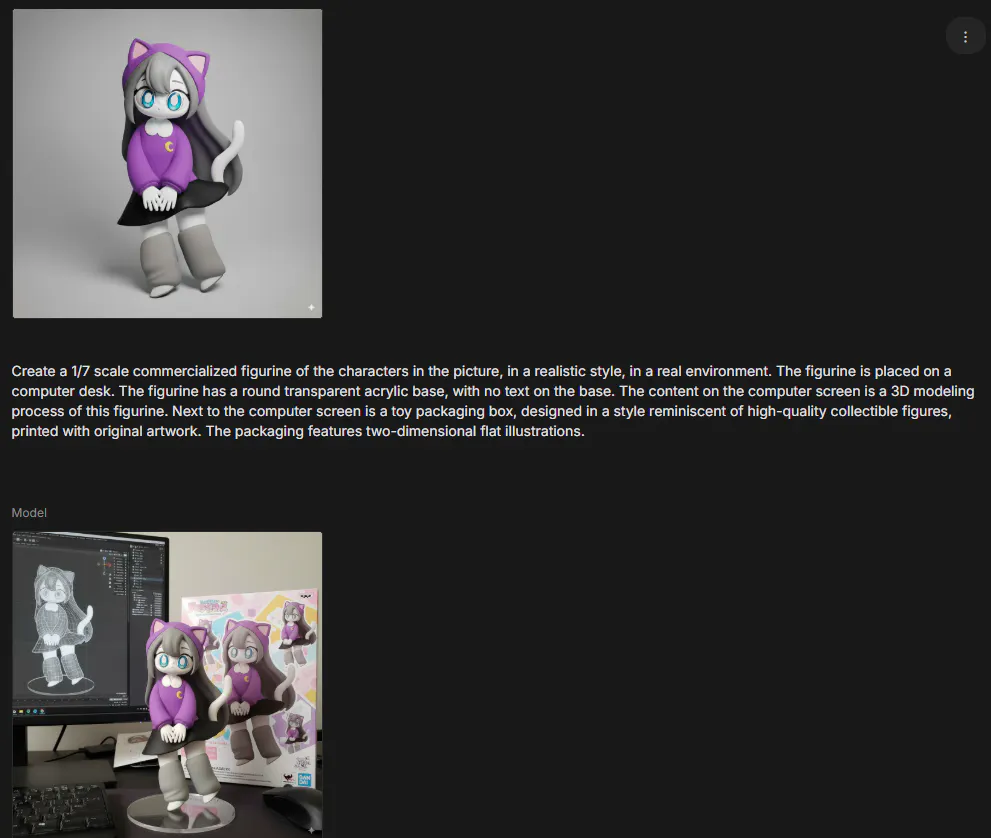
오프라인에서 활용한 프롬프트를 사용하여 피규어 이미지 완성
프롬프트 : Create a 1/7 scale commercialized figurine of the characters in the picture, in a realistic style, in a real environment. The figurine is placed on a computer desk. The figurine has a round transparent acrylic base, with no text on the base. The content on the computer screen is a 3D modeling process of this figurine. Next to the computer screen is a toy packaging box, designed in a style reminiscent of high-quality collectible figures, printed with original artwork. The packaging features two-dimensional flat illustrations.
결과와 배운 점
>> Google AI studio에서 놀라울정도로 원본 느낌 그대로 변환되었습니다.
>> 초보자로서 오프라인 모임에서 모르는 부분을 바로 피드백 받을수 있어 매우 유익한 시간이었습니다.