


소개
모각에서 배운 내용을 바탕으로 다양한 플랫폼에서 4X4 카드맞추기 게임 을 만들어보았습니다. 결과물이 어떻게 달라질지 궁금해서 시도해보았습니다.
진행 방법
AI스튜디오 > 이마젠 ✨
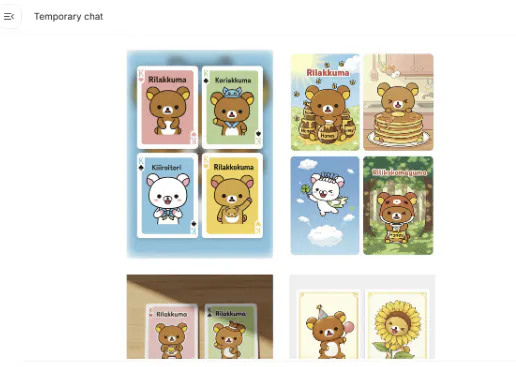
카드 이미지 생성을 위해 사용했습니다.
처음 사용해봤는데, 귀엽고 완성도 높은 이미지를 뽑아줘서 놀랐습니다.
테디 베어 카드 놀이의 스크린 샷
제미나이
카드게임의 규칙을 입력해 게임 명세서를 제작했습니다.
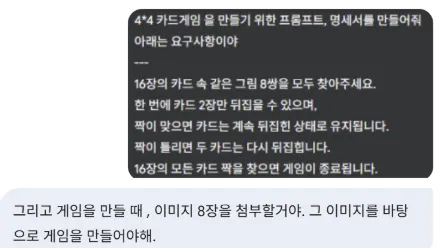
한국어 문자 메시지의 스크린 샷
Create a 4x4 memory card matching game using HTML, CSS, and JavaScript based on the 8 image files provided.

**1. Game Assets:**
   - You will be given 8 unique image files (e.g., `image1.png`, `image2.png`, ..., `image8.png`).
   - Use these 8 images to create 8 pairs of cards. This means each unique image will appear on exactly two cards.

**2. Game Board:**
   - Create a 4x4 grid that holds a total of 16 cards.
   - At the start of the game, shuffle the 8 pairs of cards and place them face down on the grid.

**3. Gameplay Logic:**
   - A player can click on a face-down card to flip it over and reveal its image.
   - A maximum of two cards can be flipped at a time.
   - If the two flipped cards show the same image, they are a match. They should remain face-up and become unclickable.
   - If the two flipped cards do not match, they should automatically flip back to their face-down position after a 1-second delay.

**4. Game State Tracking:**
   - Implement a "Moves" counter that increments by one each time a player attempts to match a pair.
   - The game ends when all 8 pairs have been successfully matched.
   - Upon completion, display a "You Win!" message along with the total number of moves taken.

**5. Styling and Animation:**
   - Style the cards with a uniform back design. The front of the cards will be the provided images.
   - Add a smooth CSS card-flipping animation for a better user experience.
젠스파크, AI스튜디오, 러버블, 제미나이 ⚒️
동일한 명세를 바탕으로 게임을 각각 구현했습니다.
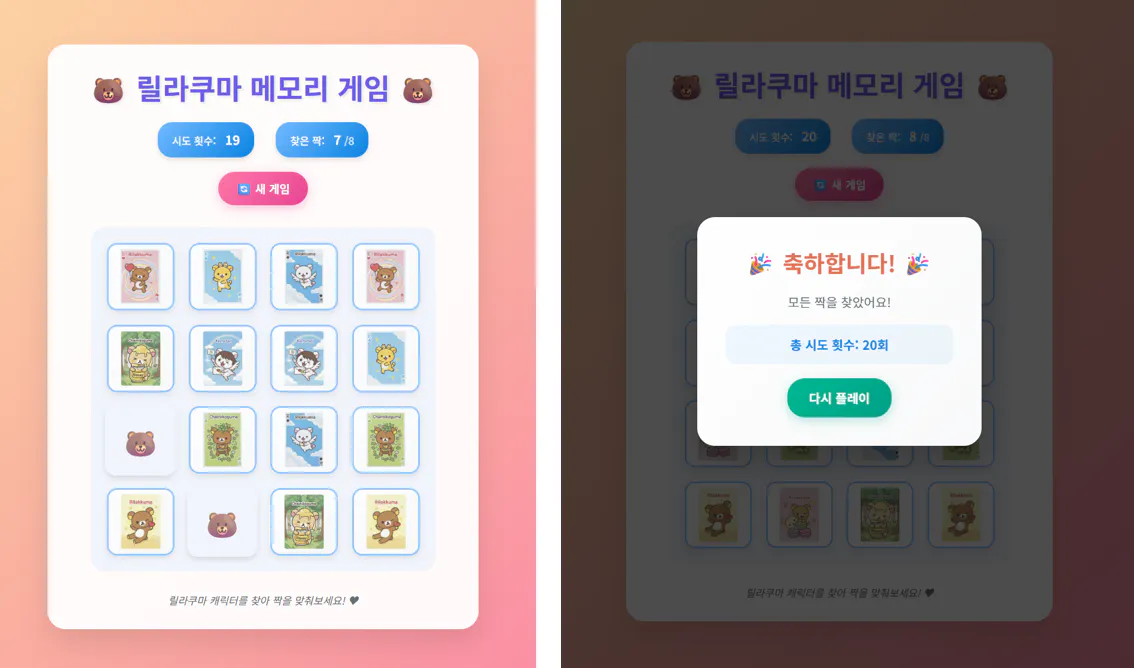
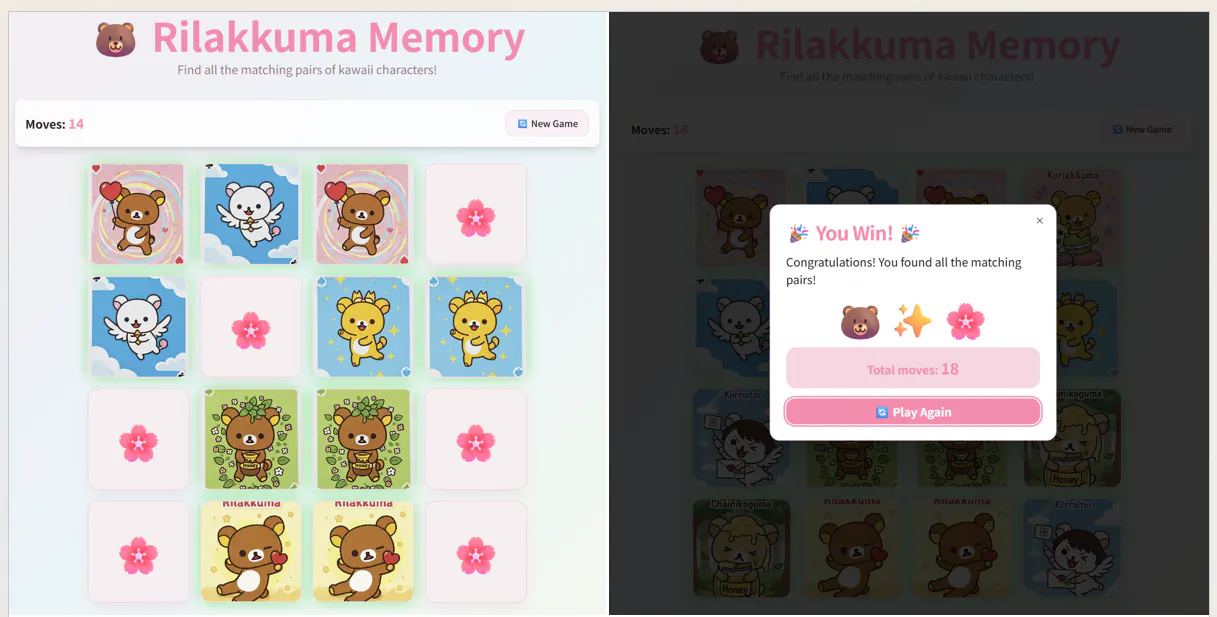
특히 러버블에서는 디자인과 UI 결과물이 깔끔하게 나와 만족도가 높았습니다.
젠스파크 https://txurlypi.gensparkspace.com/
한국 앱의 스크린 샷
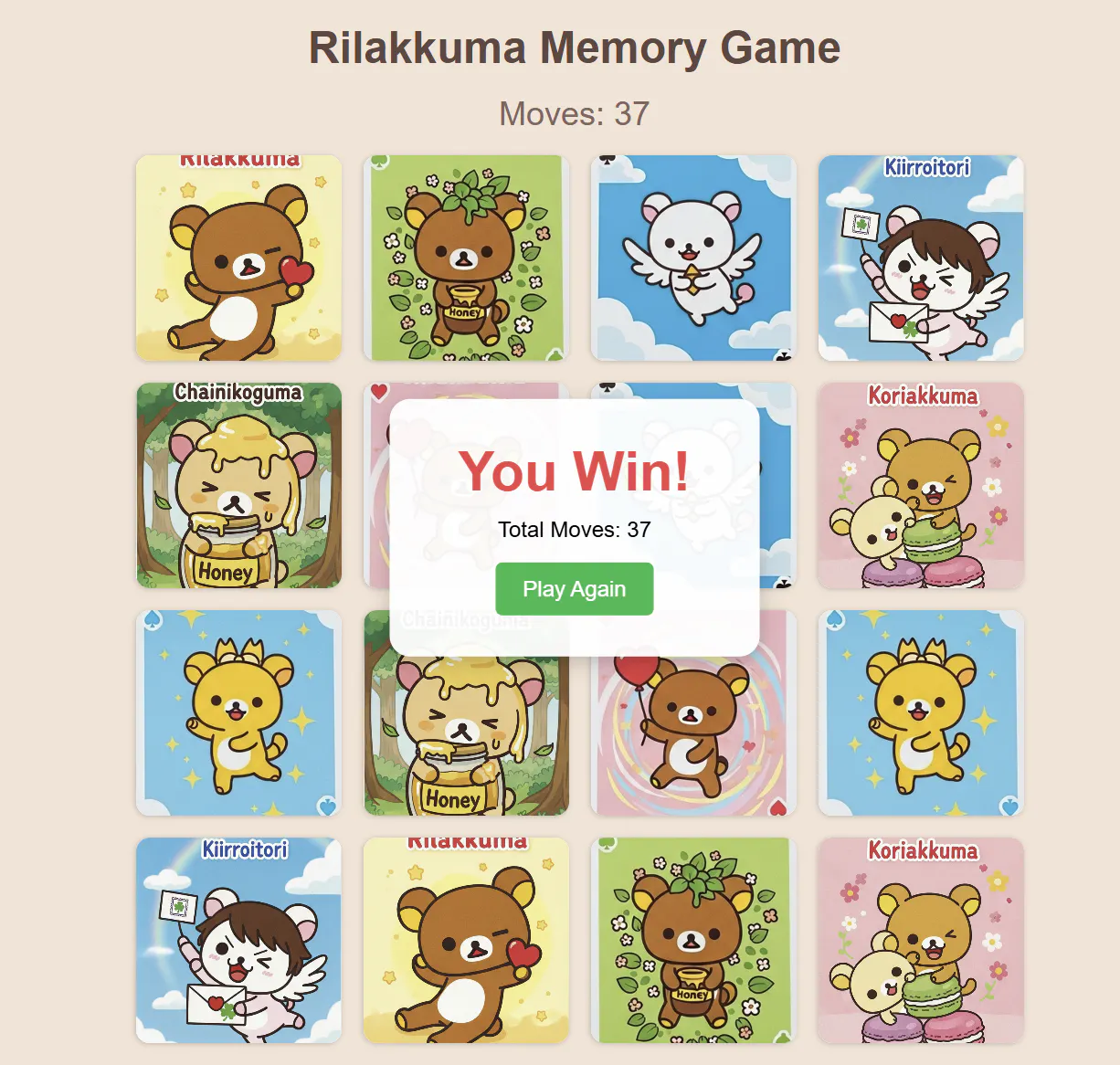
AI스튜디오 https://hd-sh-sh.github.io/card-game/
Rilakuma 메모리 게임 스크린 샷
Rilakuma 메모리 앱 스크린 샷
결과와 배운 점
각 플랫폼의 강점이 달랐지만, 디자인 면에서는 러버블이 가장 인상적이었습니다.
가장 인상 깊었던 팁은 “수정하는 것보다 새로 만드는 것이 시간을 절약할 수 있다”라는 것이었습니다. 실제로 시도해보니 훨씬 효율적이었습니다.
